The content hub recently got a new update to detect AI generated content. When uploading or updating an asset C2PA metadata will be detected. You can find more information on that here.
I wanted to test this feature out so going to start with simple AI created images. I used three different AI image generators. ChatGP, Google Gemini and Bing Image Creator. I asked them to “create me an image of a blue dodge challenger jumping over the Willis tower.” In the chart below you will see the image that was created. Below the image is the new Content Hub properties that were generated for each image. You will notice the additional tags highlighted. For some reason didn’t see the same fields in Gemini although I did see the credit line for Google AI.
| ChatGPT | Google Gemini | Bing Image Creator |
 |  |  |
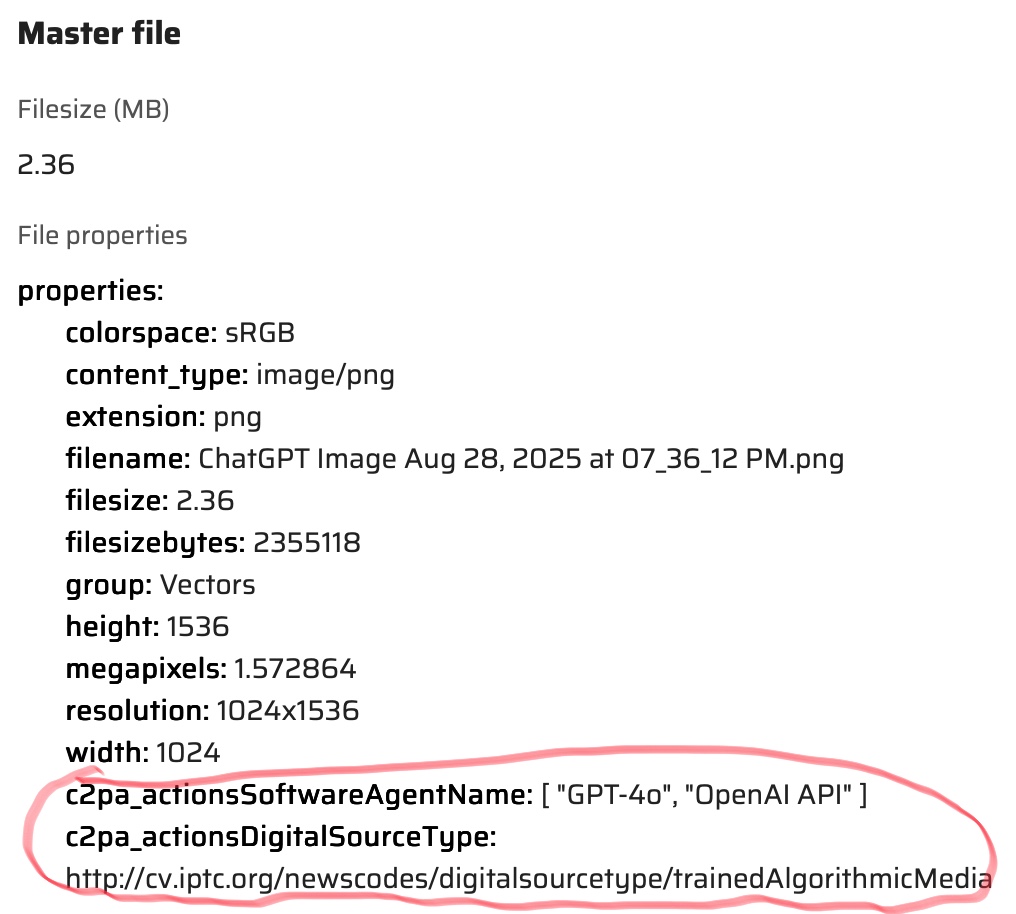 | 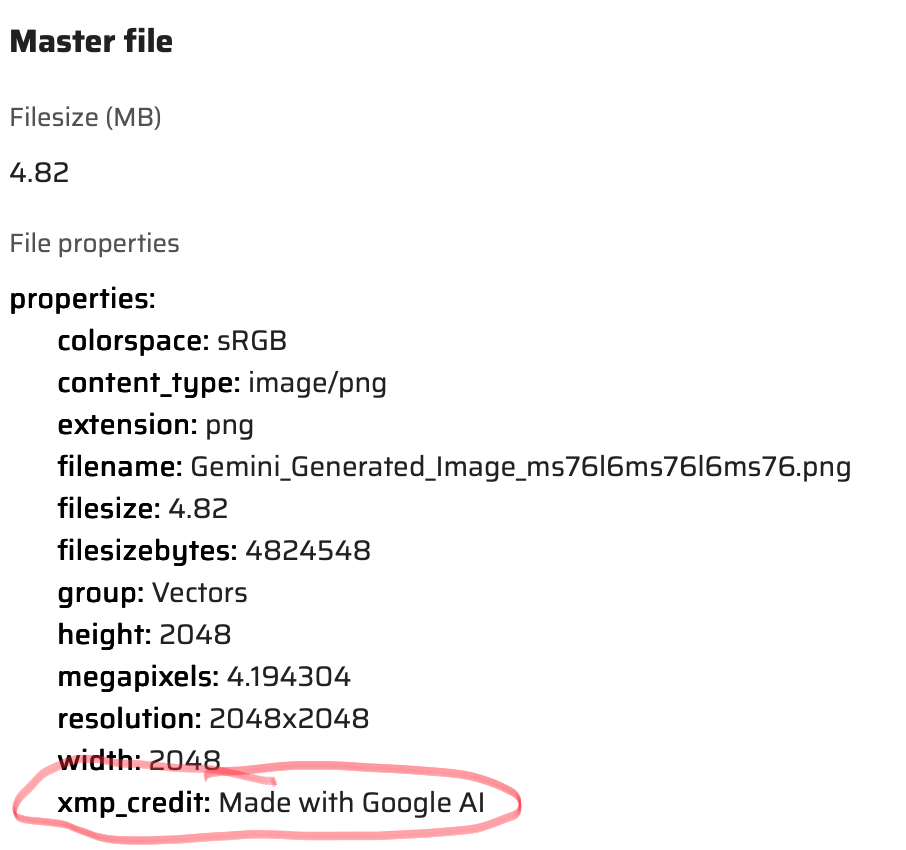 | 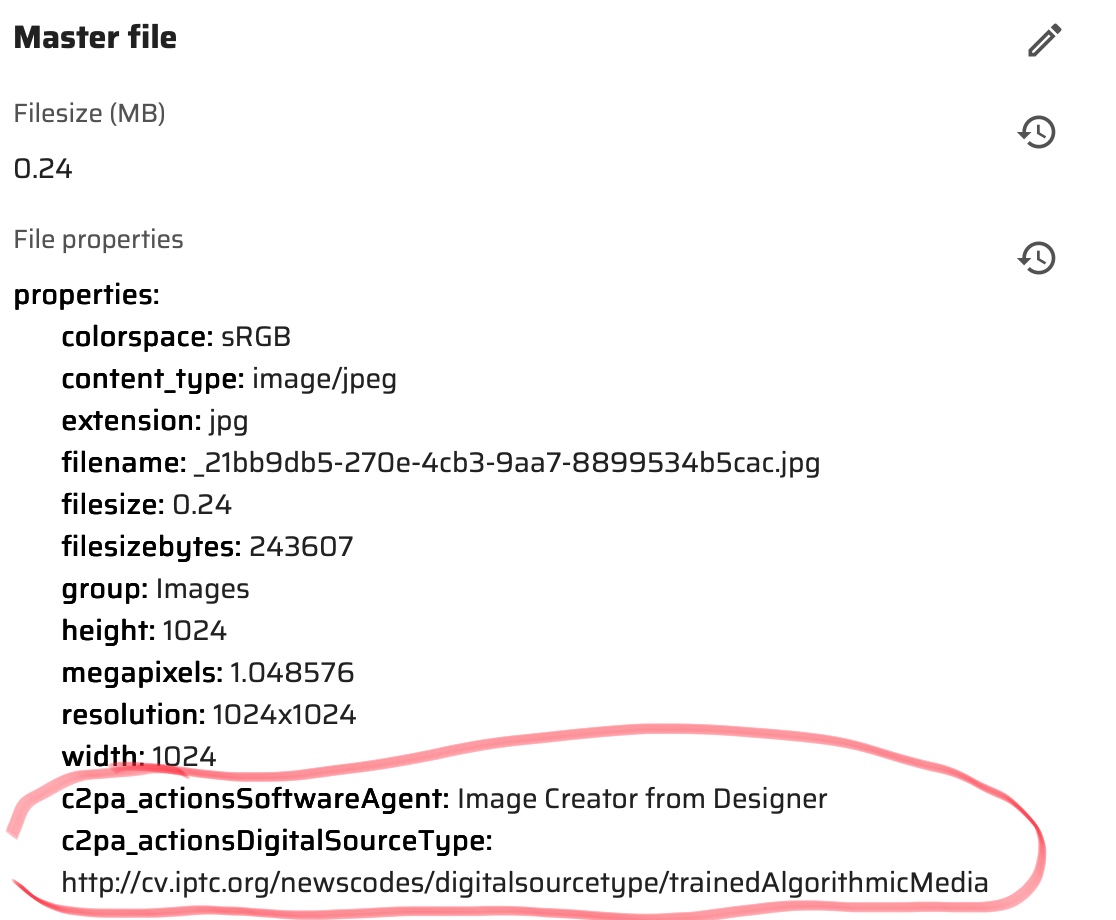 |
As you see above new fields are at the end of the properties section.
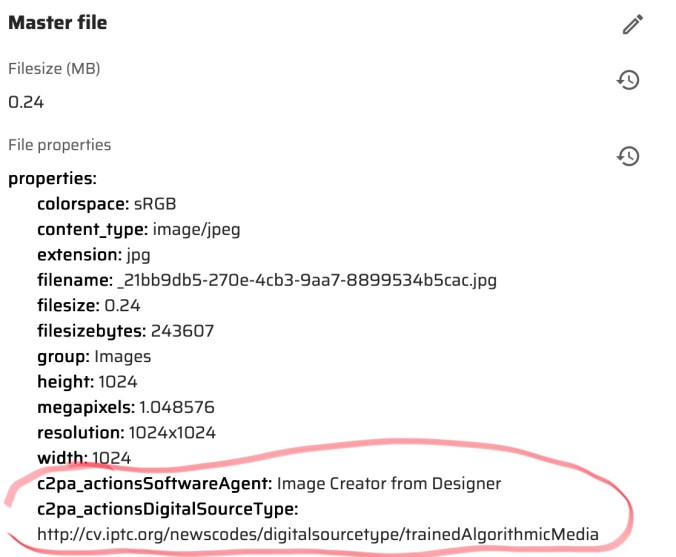
One of the things I enabled was the Gen AI section on the asset detail. This was enabled from the Tabs/System section of the Asset Details.

The section will show something like the following for the AI generated image on an Asset.

In my opinion by identifying AI images you can make the choice to use them or not. Some companies have polices restricting the use of them. You can find more on this new Content Hub feature here.
 Sitecore Runner | Rob Reilley | Sitecore MVP
Pingback: The Digital Trust Crisis: How C2PA and Content Hub could solve tomorrow’s content problem today – Tim's Blog