One of the things I like about the Content Hub is there is so many ways to customize it. Last year I wanted to be able to call an API and display data on assets. It was suggested to use React Components. It has been over a year of using them and doing some really cool things with them. I have presented what I learned at several meetups. With this blog I want to show how you can get started using them.
Why Use Them?
With all the customization you can do the with the content hub why would external components be needed? The answer is simple. So you can extend the functionality of the content hub and utilize external resources in doing so. The possibilities are endless as you can create some really cool things with React components. In this blog I will go over external component creation at a higher level. In future blogs I will showcase more detailed code.
Storybook
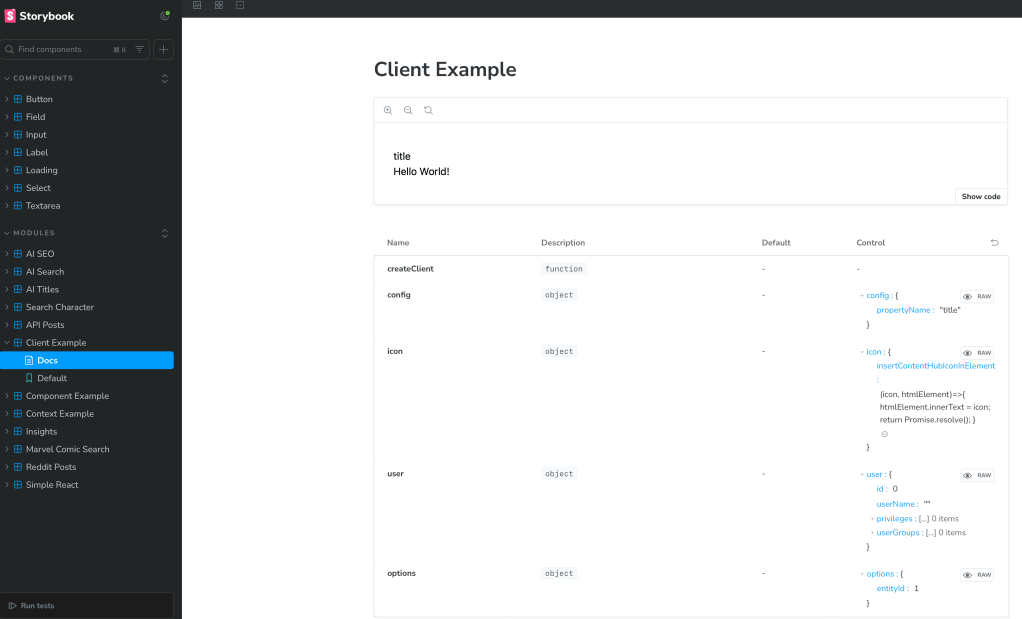
As I started the React components journey I learned how to implement and use Storybook. I believe this is a critical tool as it allows you test React components without actually integrating with the systems you are using them with. In the screenshot below you can see a list of components I used Storybook to test and what an example screenshot looks like.
Basic Structure
I will keep this simple and show you how a simple React component would work. Keep in mind this is part of a starter kit I used and had a lot of things setup already. I simply had to create the component. I will link to the starter kit in this blog post.
Let’s start with the structure. In this case we will have three different files.
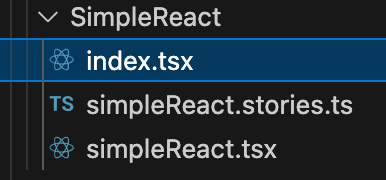
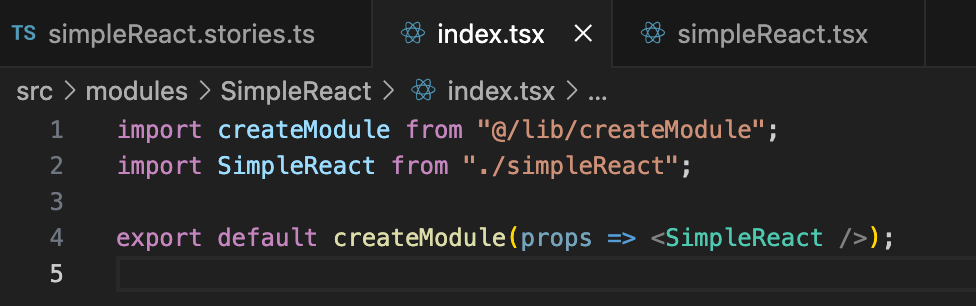
The index.tsx file is what brings this together. You will use this import libraries and call the tsx file which typically contains the output.
As you see below this tsx file simply exports HTML. You can do many things in this file such as call an API and import data. The data then can be used in an HTML document you return.

The stories.ts file is use to run with storybook. You can use it to not only call the react component, but you can pass parameters as well.
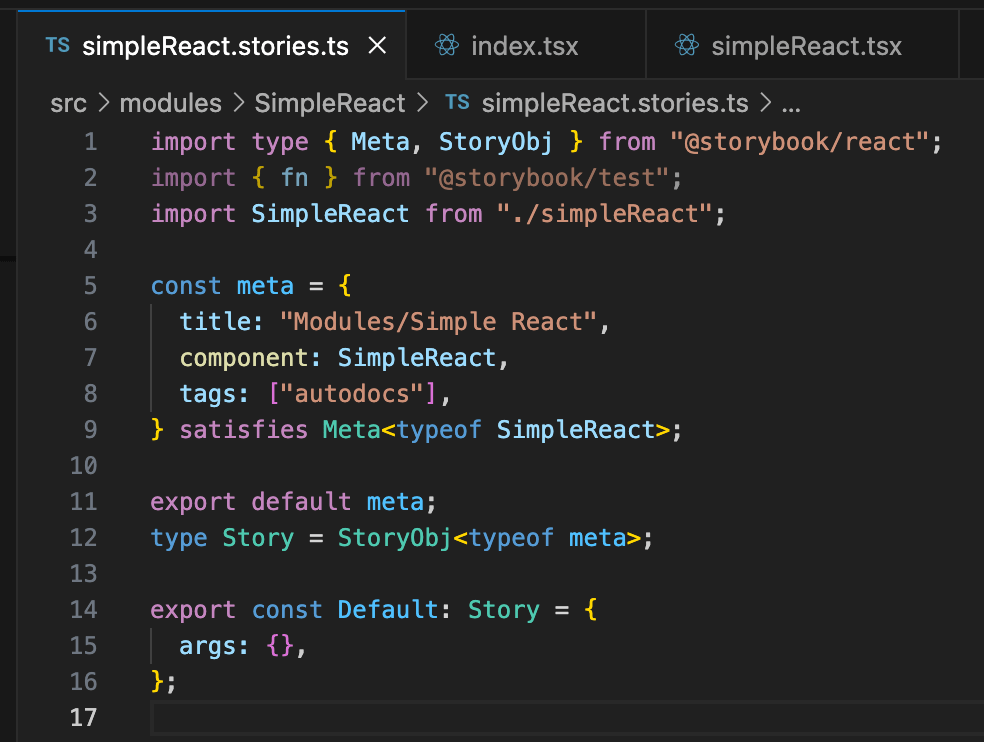
When this is run in Storybook you will see the following output.

In the links (Example Repositories and Starter Kits) section in this blog to get you started you can navigate to the documentation on how to create bundles. You will need these in order for the Content Hub to run your code. It is basically a compiled JS file with all of your code and libraries needed.
Hosting vs Uploading Bundle
In order for content hub to use your React component you will need to make a bundle. There are instructions in the starter kit to do this that I will link to in this blog. After you do create the bundle you can choose to upload it as an asset to content hub or host it in your own website.
For hosting the bundle you can have the content hub host it by uploading it as a portal asset. You can find the link to Portal assets under the settings.
You can upload your bundle with different versions as needed.
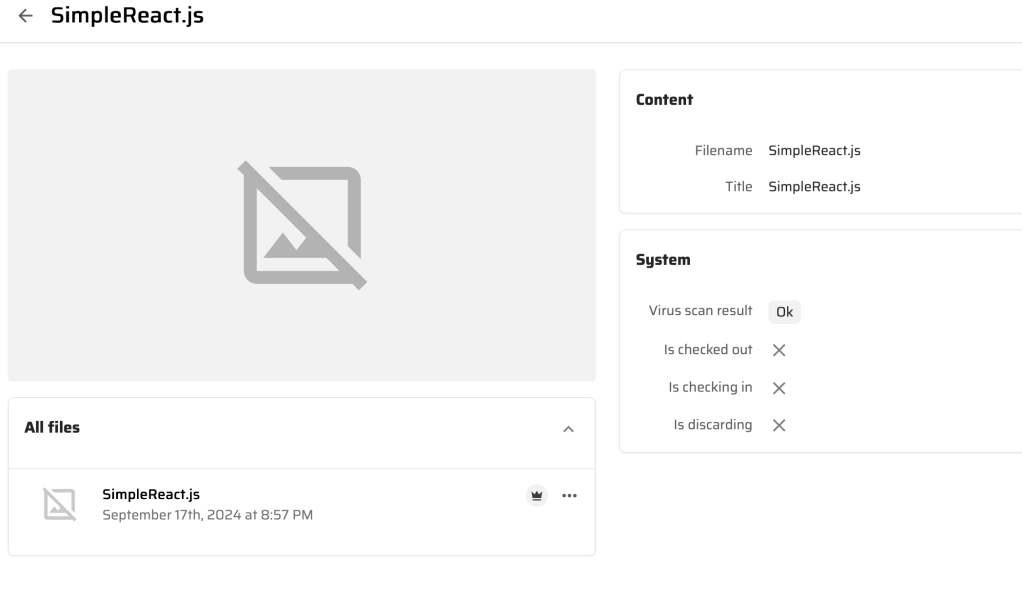
Under pages I will usually add the bundle there.

When clicking on an external component such as SimpleReact you will see the following.
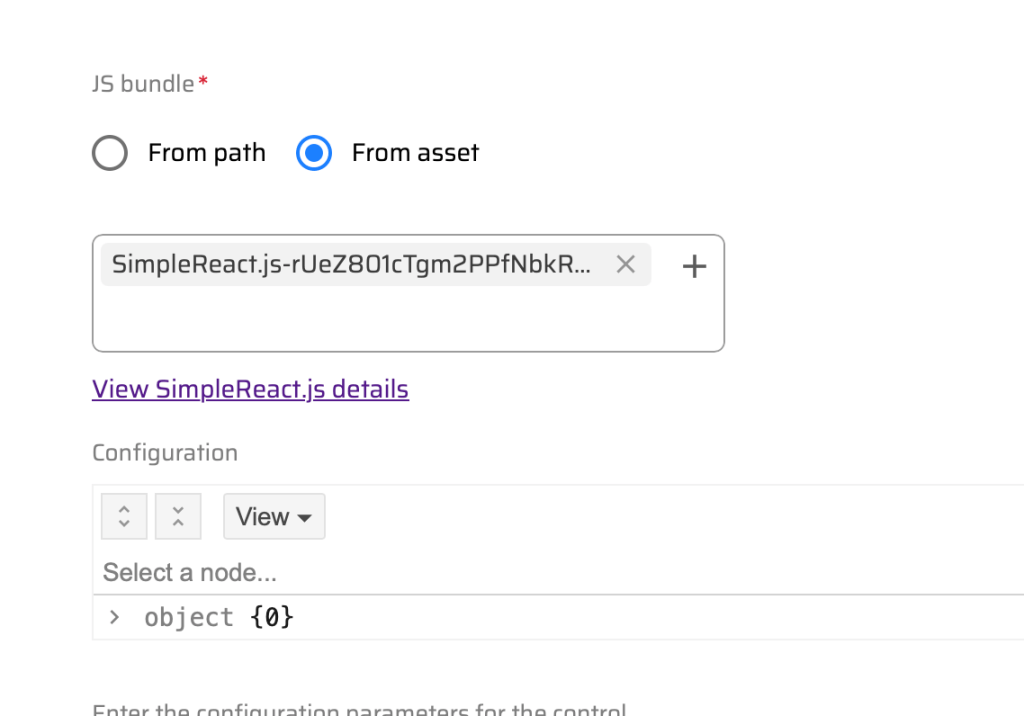
From asset will allow you to link to the page assets in the content hub. Using the From path will allow you to link to a website hosted bundle.
I will talk about this more in a future blog. In the object section you can pass properties from the content hub to your React component. This is very powerful as it allows you to interact with the asset.
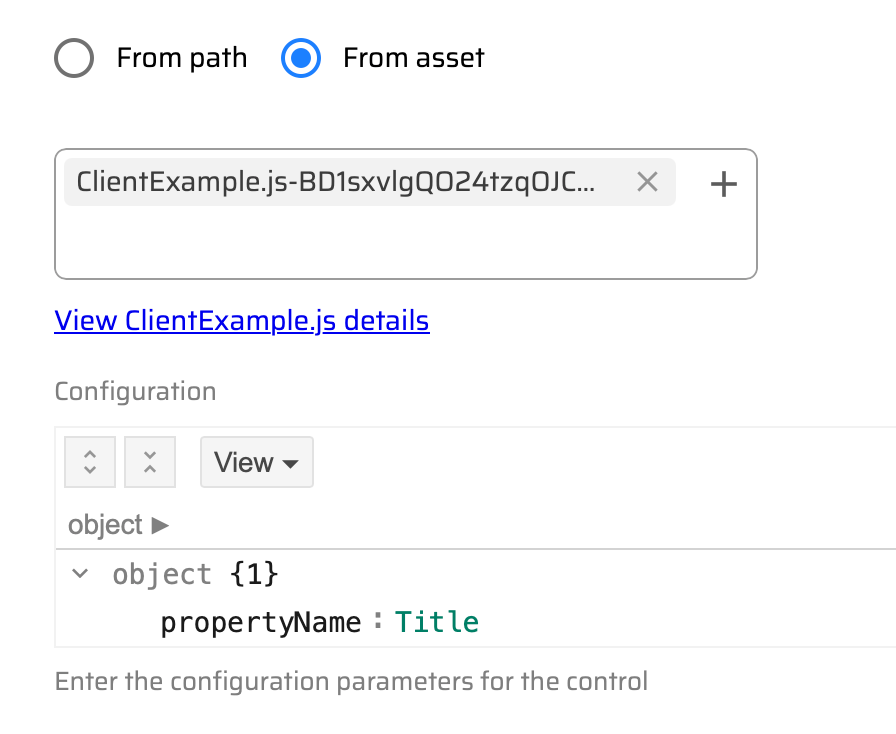
I will get into the more advanced external components later, but here are some simple ones on the asset pages rendering.
Example Repositories and Starter Kits
Below you will find different links to get started making your now React external components for the content hub. I will dive into more detail of some of the more complex ones I created in future blogs.
- https://developers.sitecore.com/learn/accelerate/content-hub/implementation/custom-logic/developing-external-components
- https://nickyvadera.com/blog/using-external-components-in-content-hub
- https://bitbucket.org/stylelabsdev/sitecore.ch.externalcomponents.examples/src/main/
Here is a video of me presenting what is in this blog at the Columbus Sitecore user group.
Wrapping Up
This blog should help you get started. I will dive into more details in future blogs. Let me know in the meantime if you have any questions.







 Sitecore Runner | Rob Reilley | Sitecore MVP