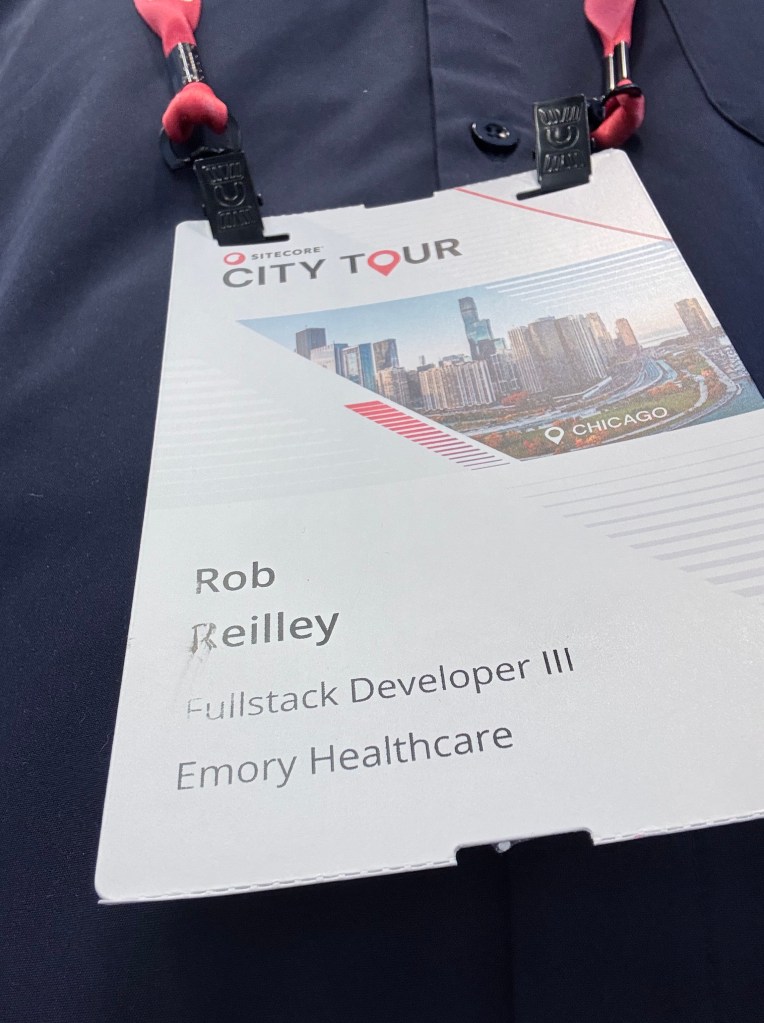
It was a great experience attending the Sitecore City Tour while representing my new adventure. A spoiler about where I landed is at the end of the blog, but you have to read it all the way through first.
One of the best parts of the event was reconnecting with the Sitecore community. Great presentations around SitecoreAI and digital transformation. I got some great ideas I can bring into my new role. I also met someone who is on a similar journey in the same industry.
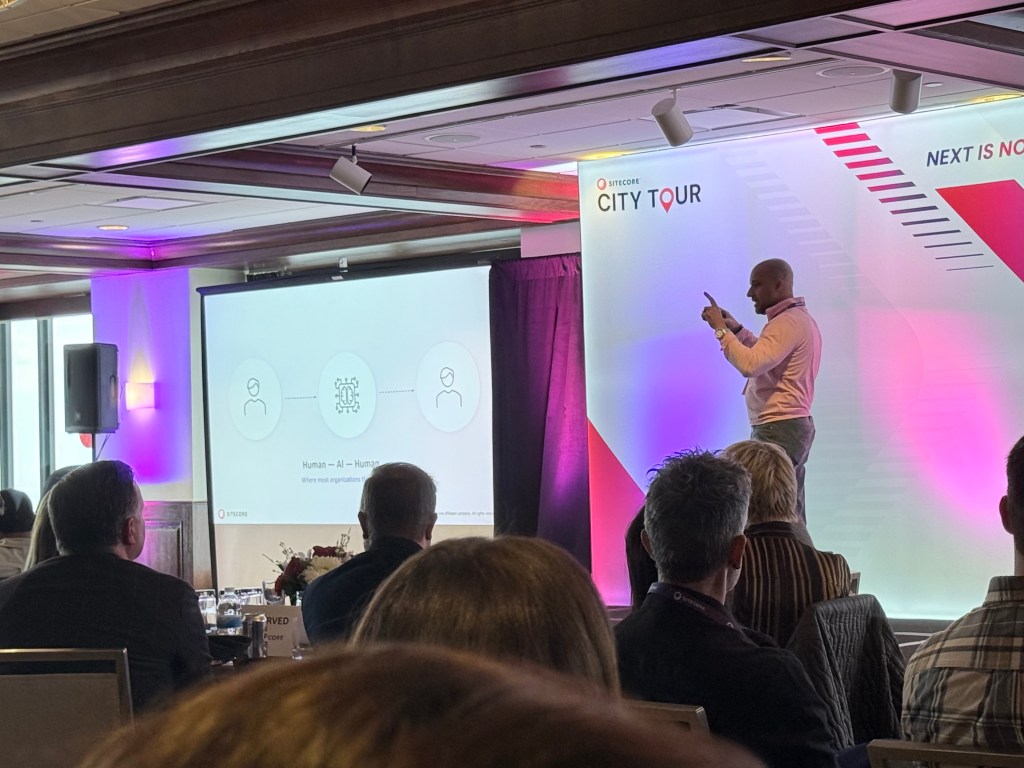
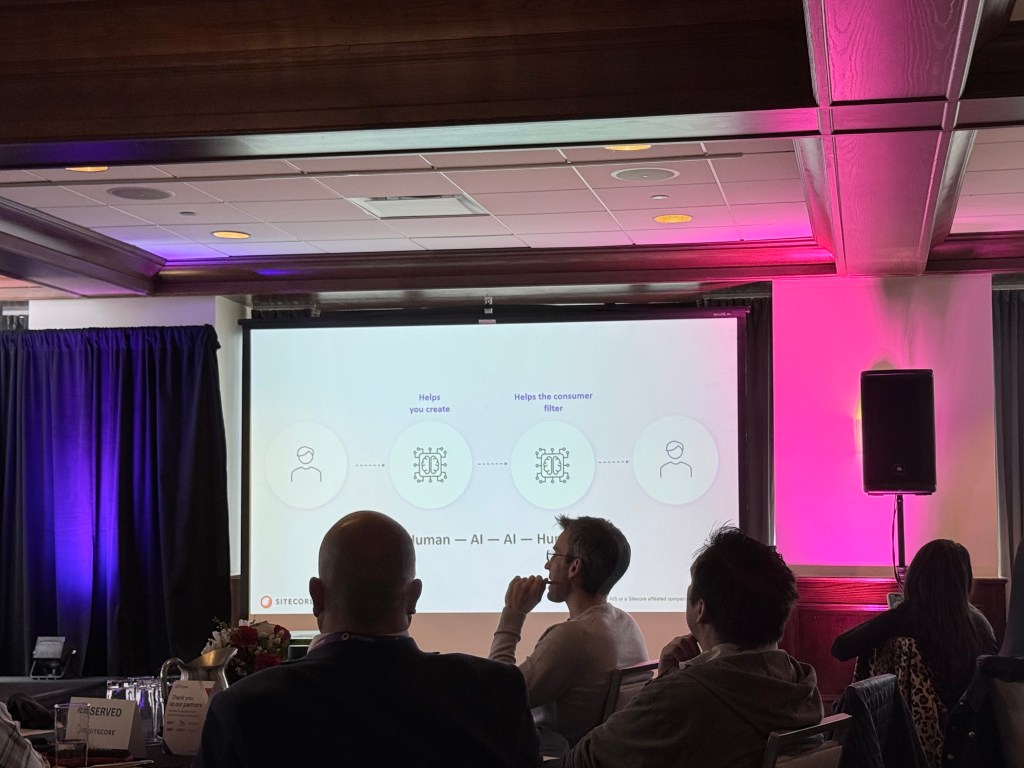
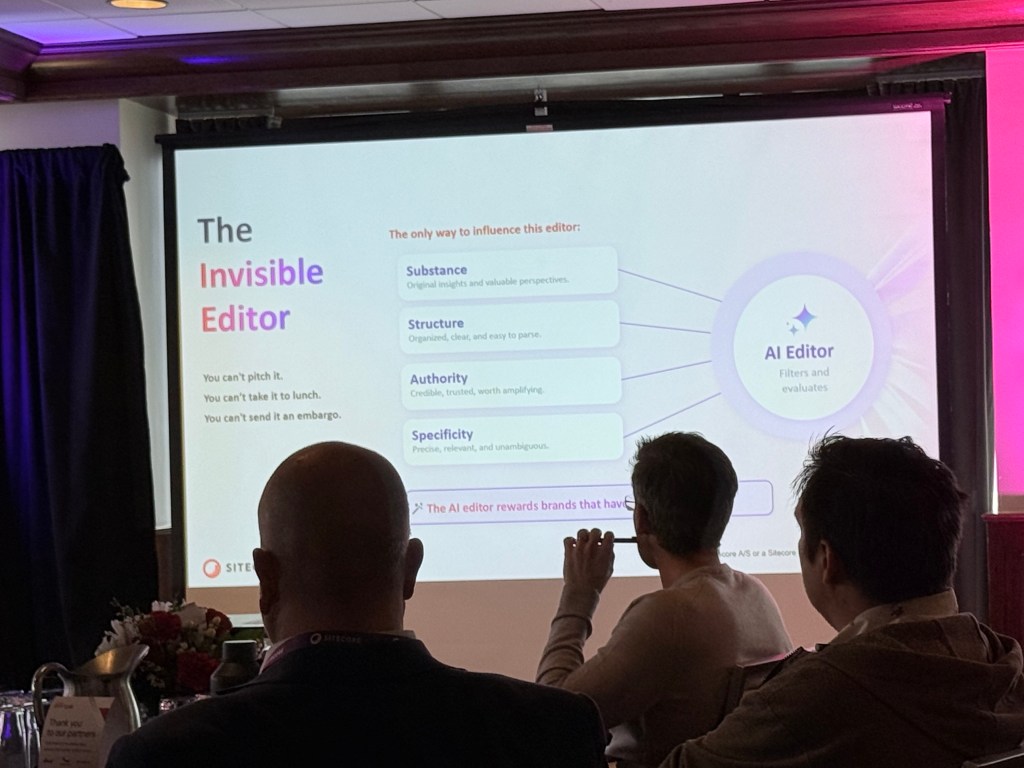
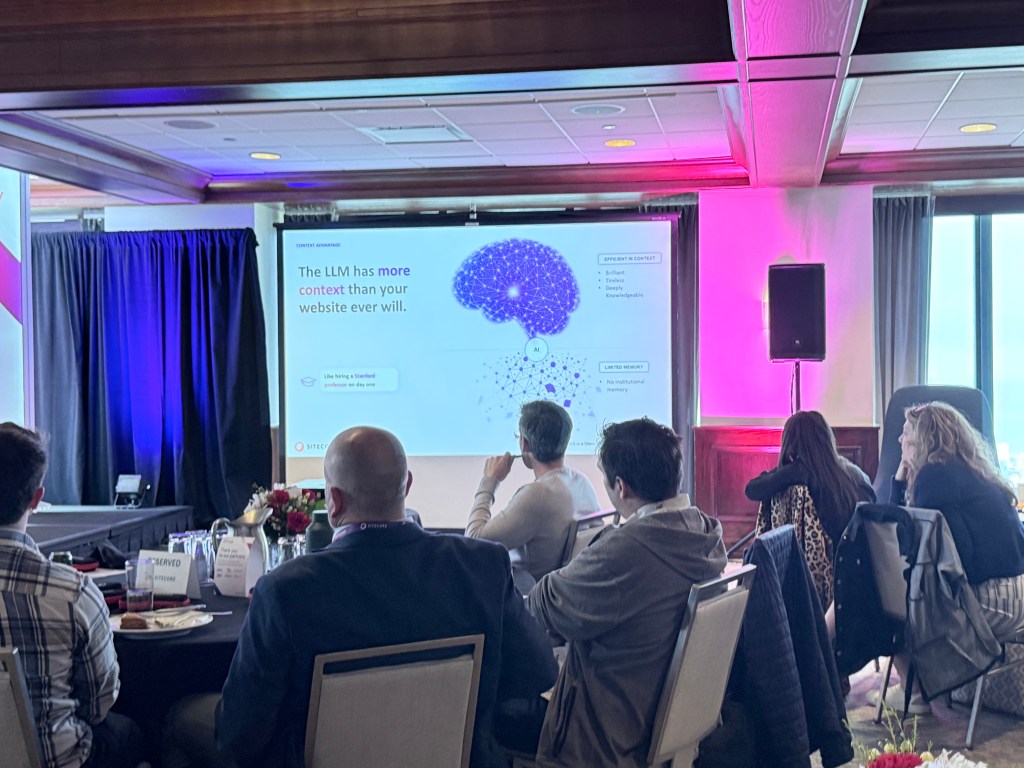
Below is a summary of each presentation through both words and pictures.
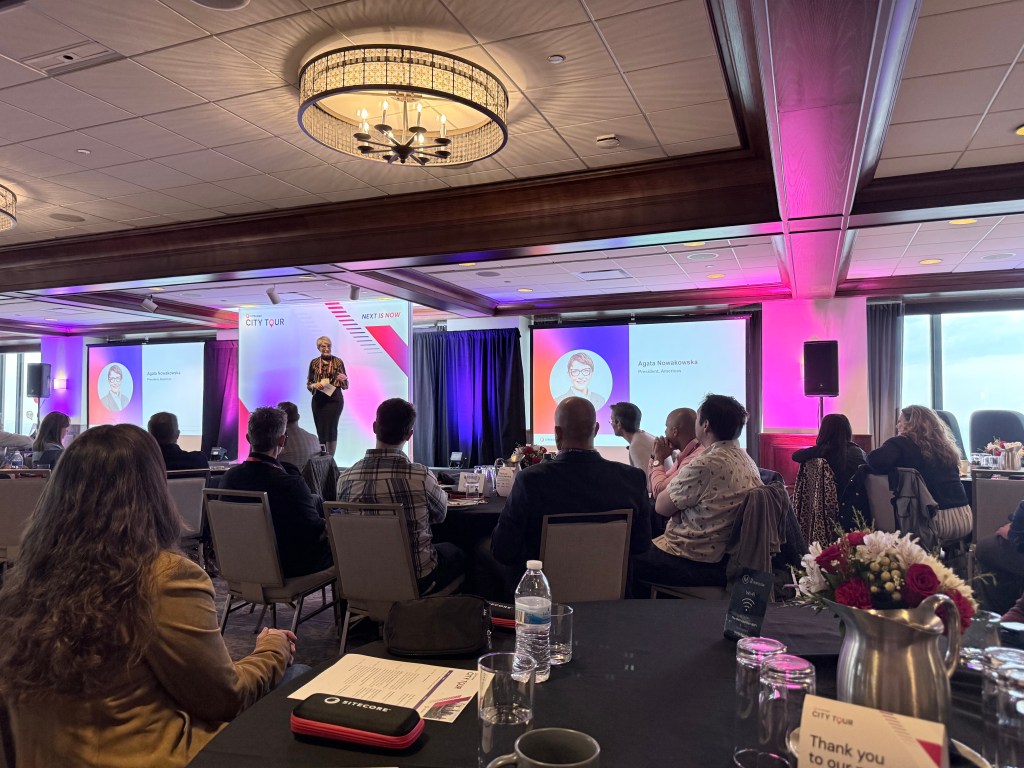
Welcome Address
Speakers:
- Dave Tilbury
- Agata Nowakowska
Summary
The event opened with discussions around Sitecore’s long-term vision, operational scale, and continued investment in AI-driven digital experiences. There was a strong emphasis on helping organizations adapt to rapid change while continuing to modernize customer engagement and content operations.
Nothing like a great start to any event. Agata recently moved to Chicago so we now have another local celebrity here.
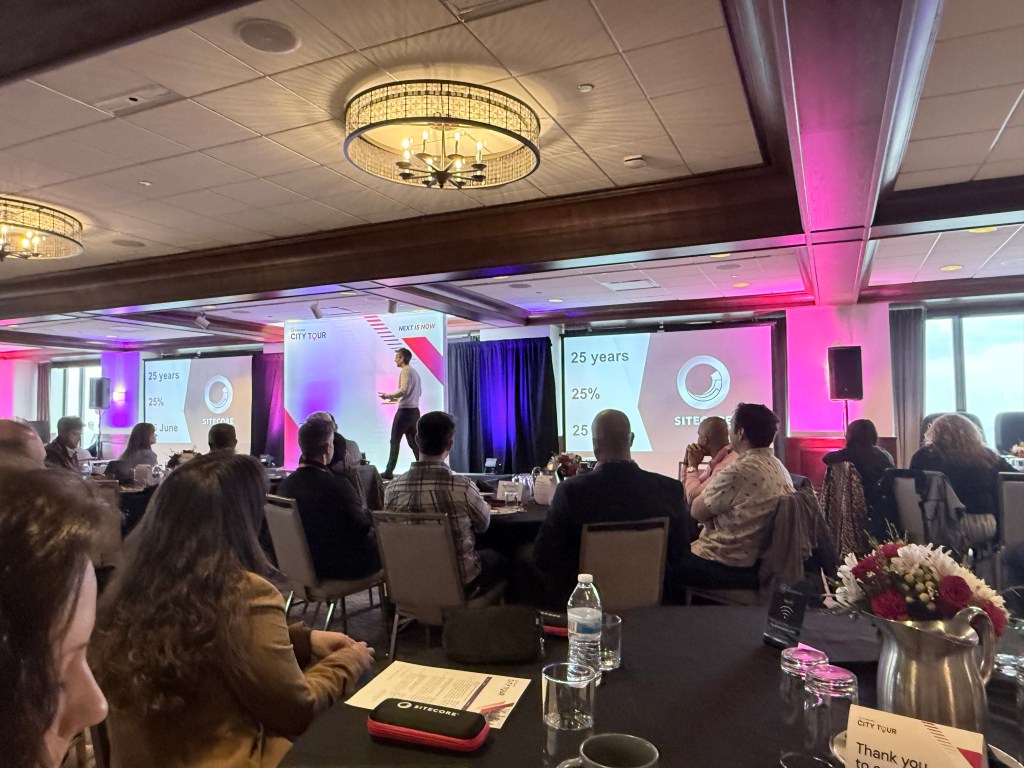
A Story About a Lighthouse
Speaker:
- Dave Michela
Summary
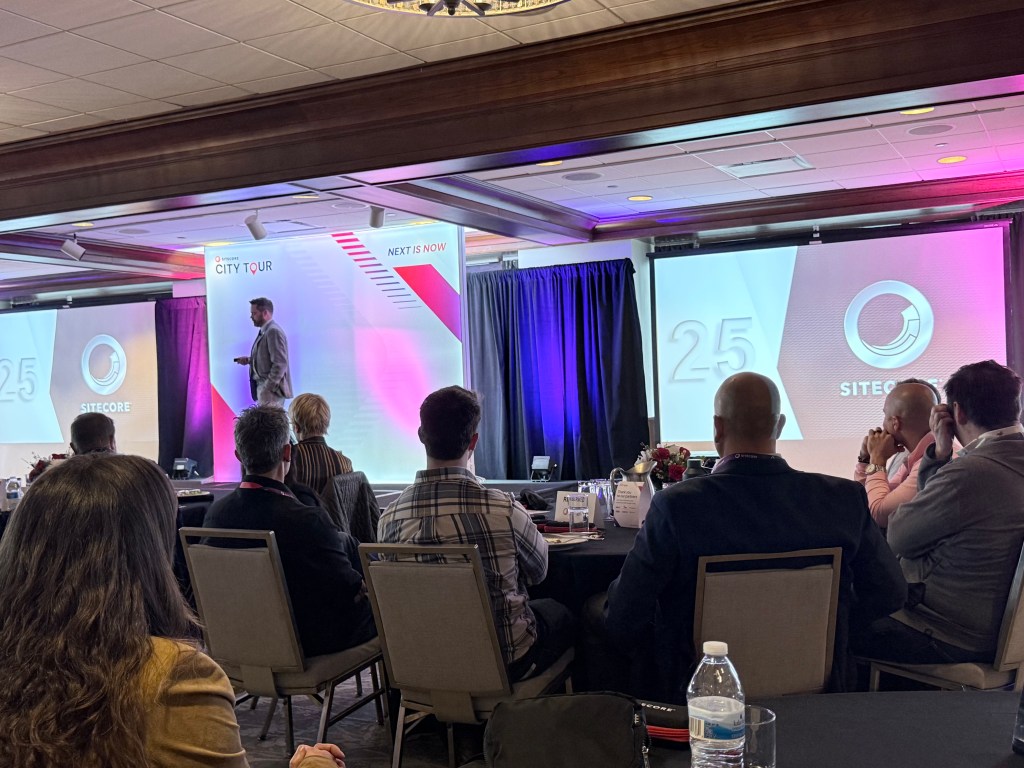
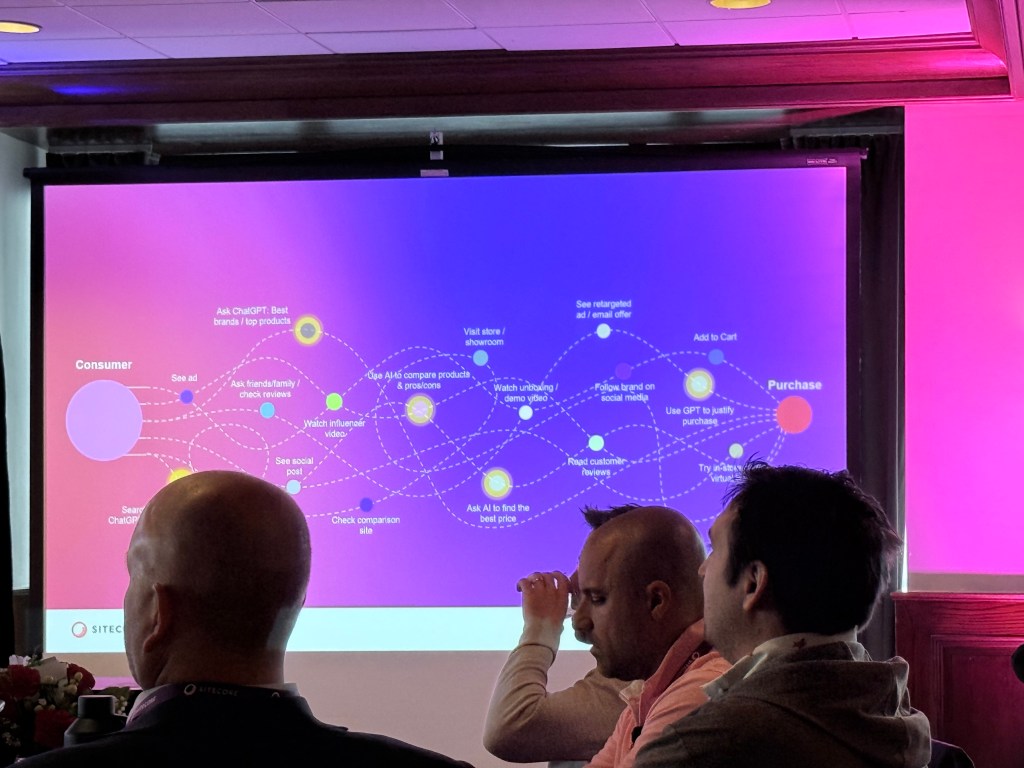
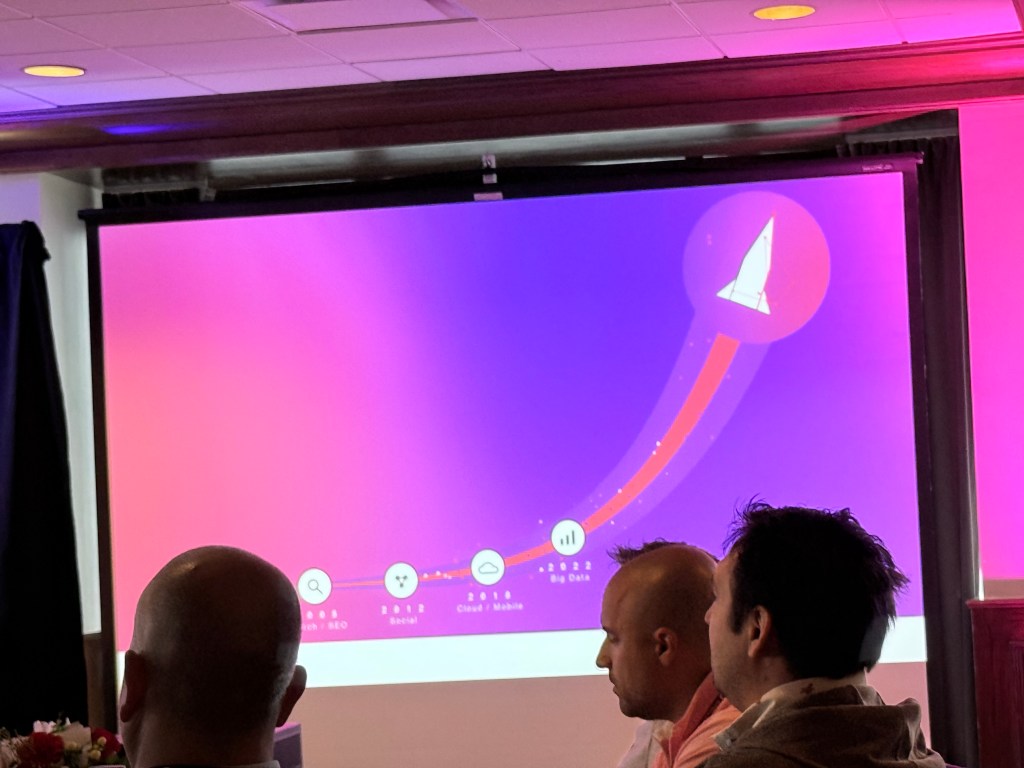
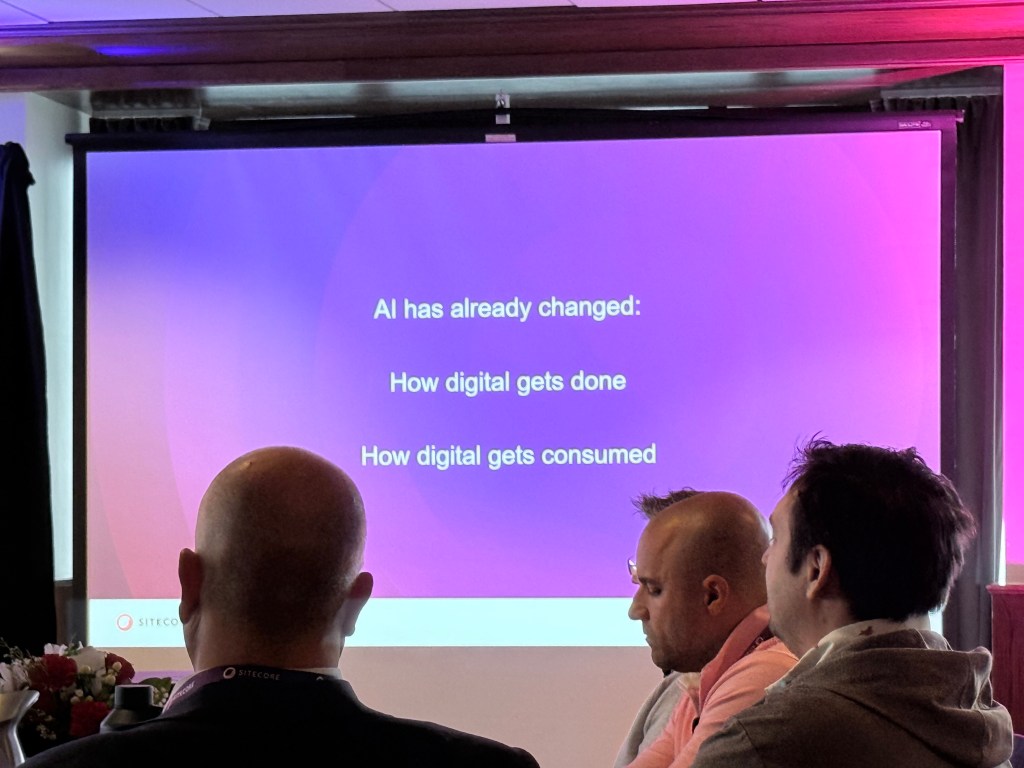
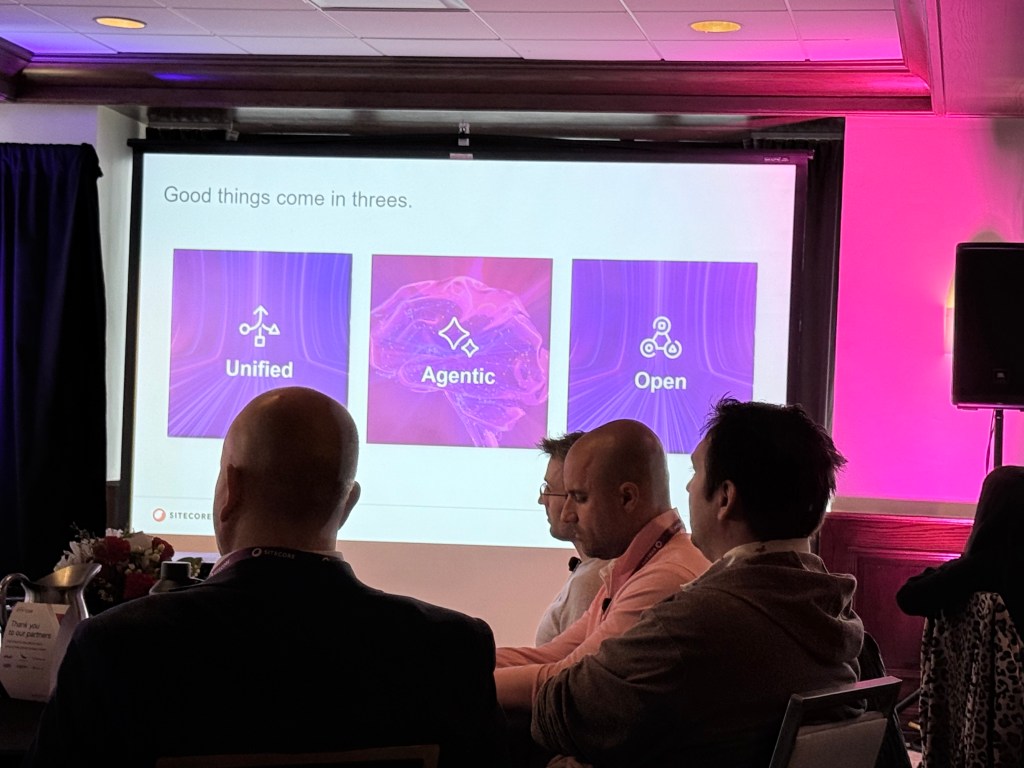
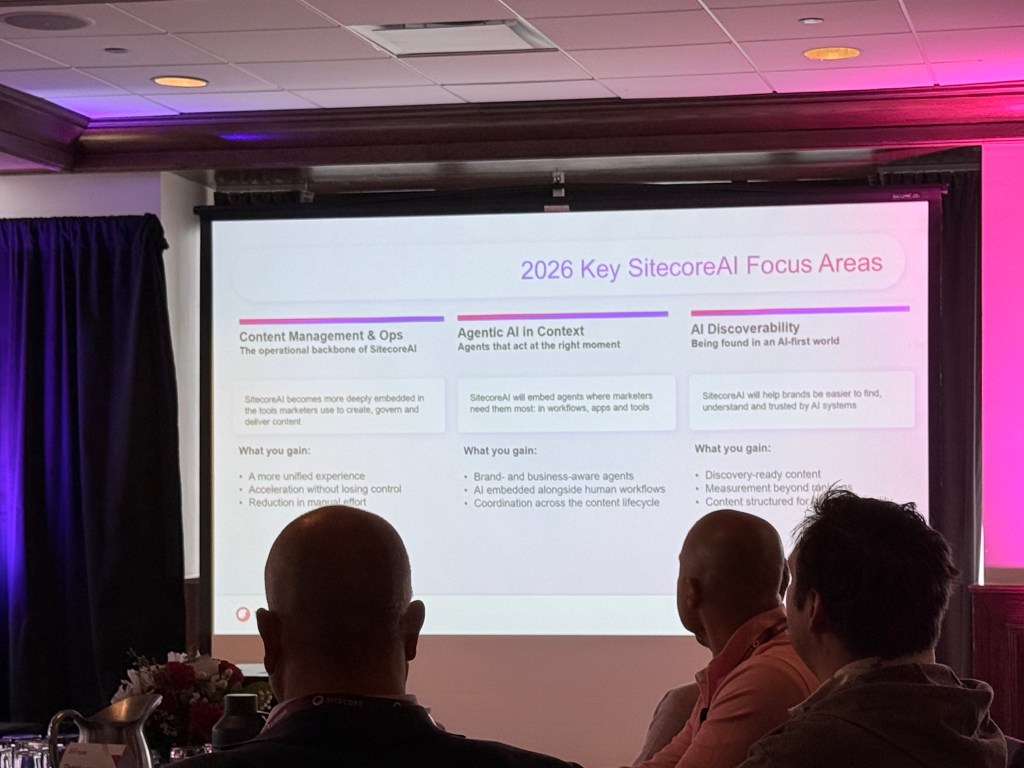
This presentation focused on Sitecore’s long-term product strategy and how organizations can navigate rapid transformation as AI reshapes digital experience platforms. Themes around clarity, direction, openness, unified platforms, and customer partnership were discussed throughout the session. There was also discussion around Sitecore’s ecosystem, marketplace integrations, Microsoft partnership, and the company’s focus areas heading into 2026.This was a great journey on how Sitecore started and where it is headed. Excited to get a glimpse into the future. Did you know the logo was created by a looking down at lighthouse stairs?
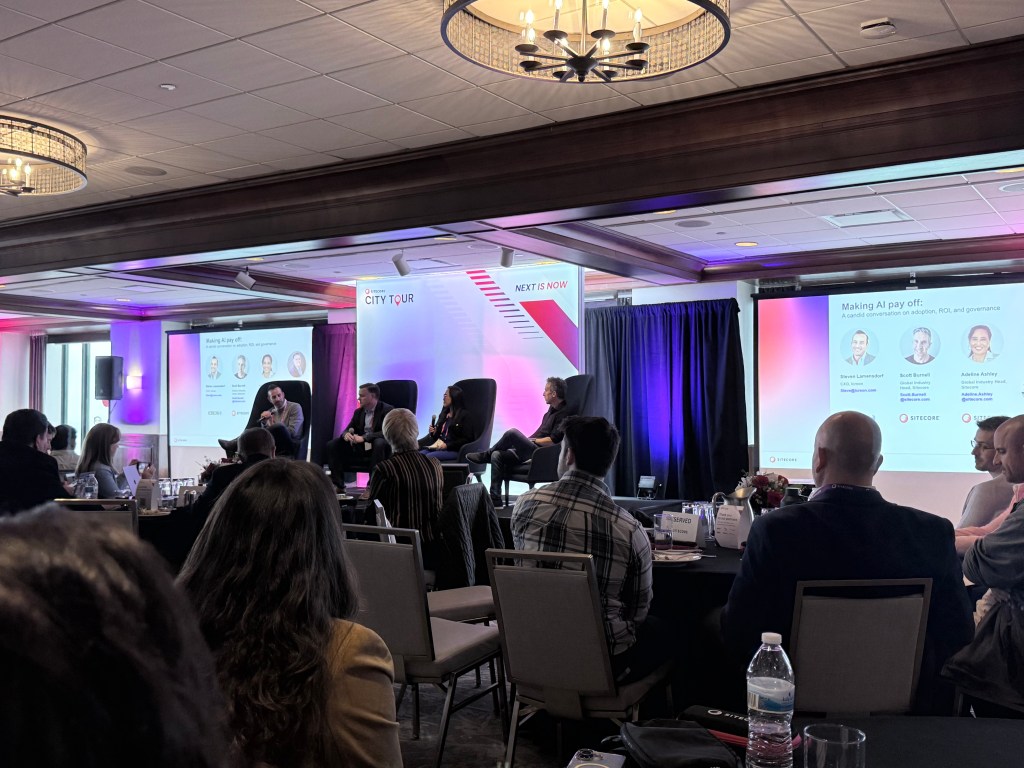
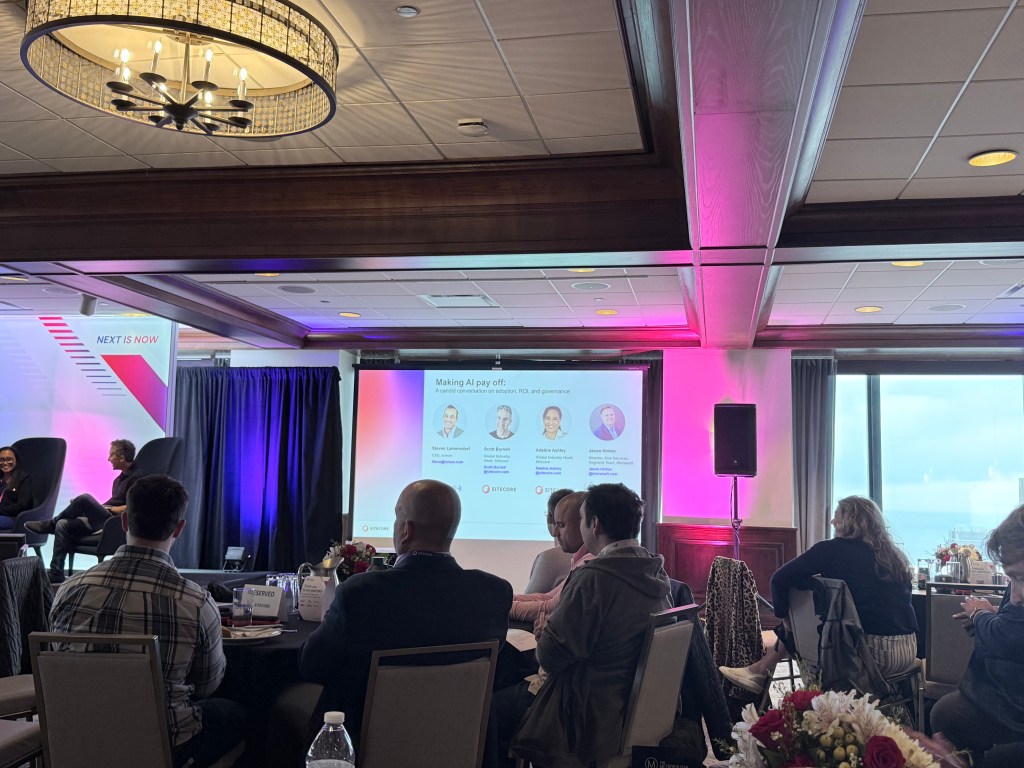
Making AI Pay Off: A Candid Conversation on Adoption, ROI, and Governance
Description
Industry leaders share practical insights on moving AI from experimentation to impact, including how organizations prioritize use cases, measure ROI, and establish governance as AI scales across the enterprise.
Summary
This session focused on the practical realities of AI adoption inside enterprise organizations. The discussion centered around governance, ROI, organizational buy-in, and how companies are evaluating whether AI can create measurable operational improvements.
Speakers
Jason Hinton — Director, SE&O – C Services Segment Team, Microsoft
Steven Lamensdorf — CXO, Icreon
Scott Burnell — Global Industry Head, Sitecore
Adeline Ashley — Global Industry Head, Sitecore
A lot of good points on this one. Here are some of the notes I took.
- It is not just about funding, but if AI can really make things faster.
- AI needs to be something that helps and does not impact budget.
- People are more likely to adopt when everyone buys in.
- There is real pressure of everyone else using AI.
- There are Governance and transparency concerns in healthcare.
- Mentioned AI as tool optimizing services in healthcare.
- Trying to make things look better is not enough.
- If AI is not embedded in technology, it could be replaced by AI.
- For healthcare it could increase productivity and help patients.
- A challenge is how to keep marketer in the loop.
- A Marketer provides the critical thinking and defines the guard rails.
- AI is a partner
After the Website: How AI Changes Everything Brands Think They Know About Digital Experience
Description
As AI becomes the experience layer, brands must rethink the role of the website. Learn how discovery, content, and engagement evolve in an AI-driven world — and what leaders must do to stay relevant.
Speaker
Scott Liewehr — Global Vice President, Market Strategy and Growth, SitecoreA lot to unpack here. Here are some of the notes I took.
Summary
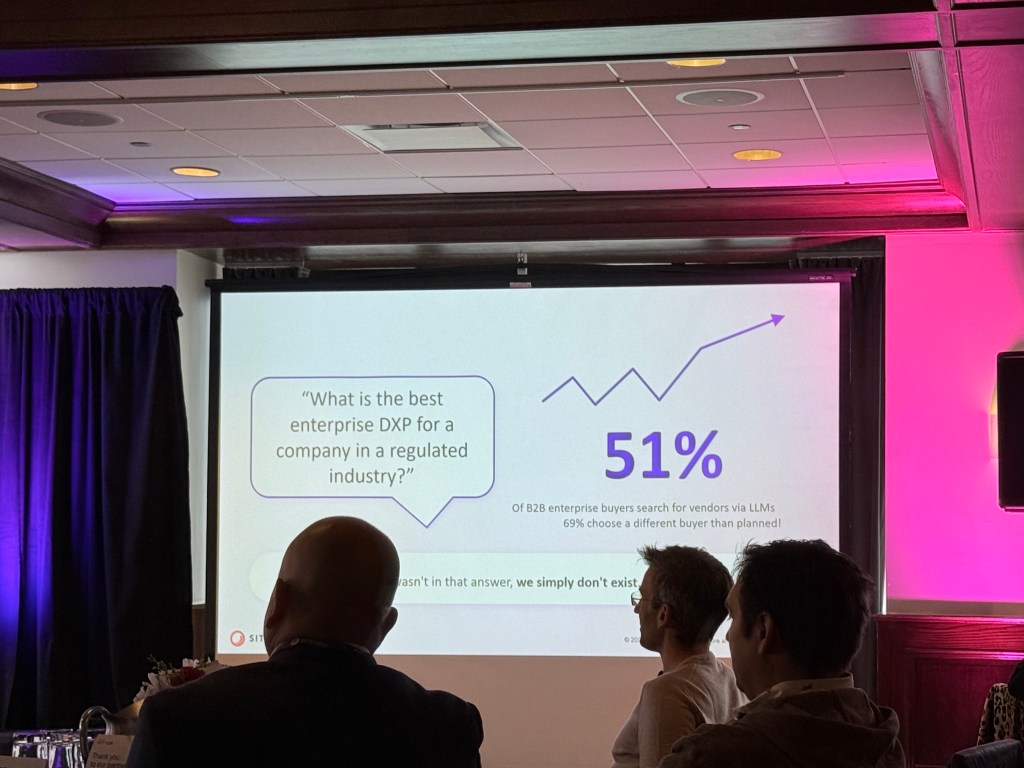
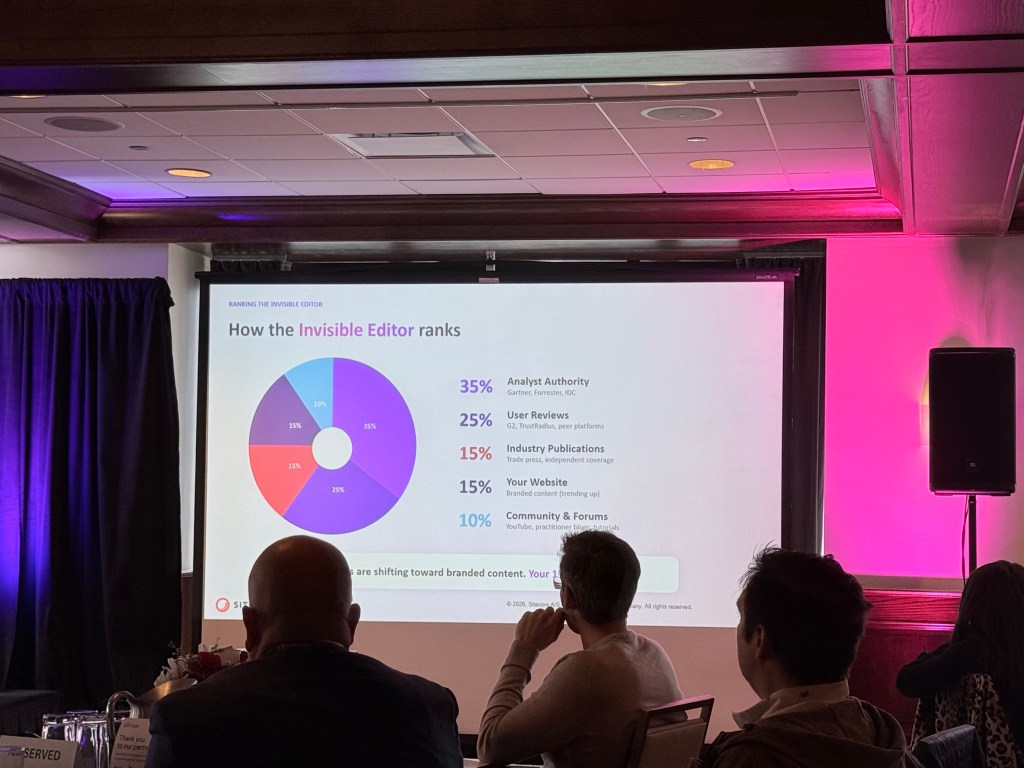
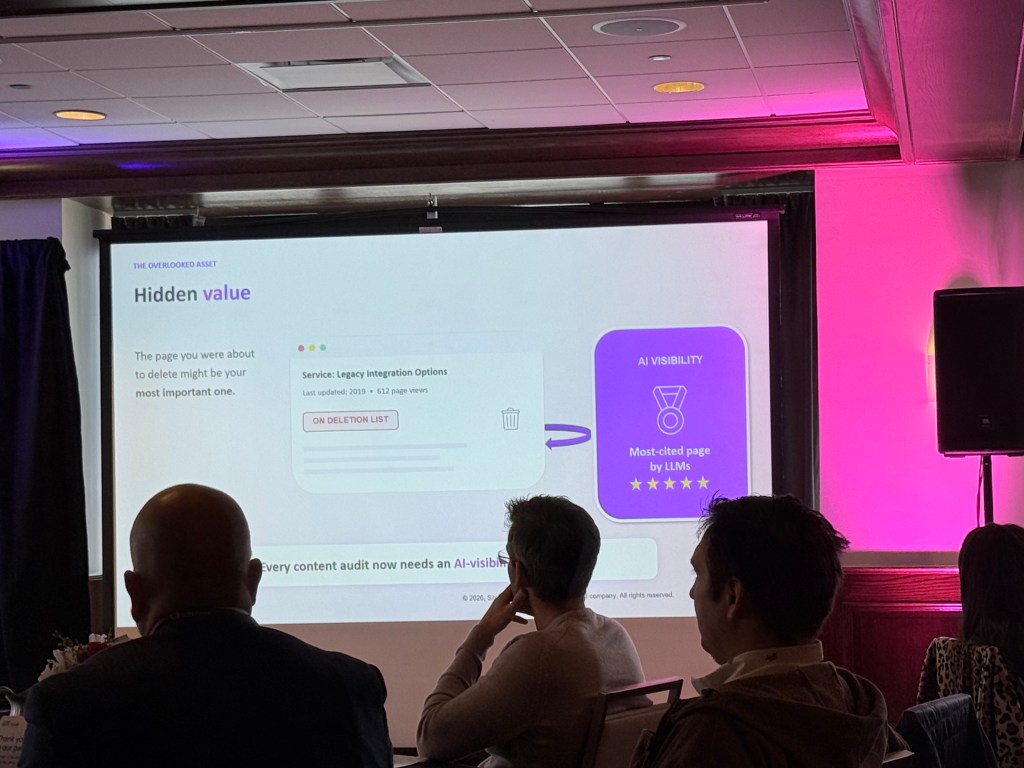
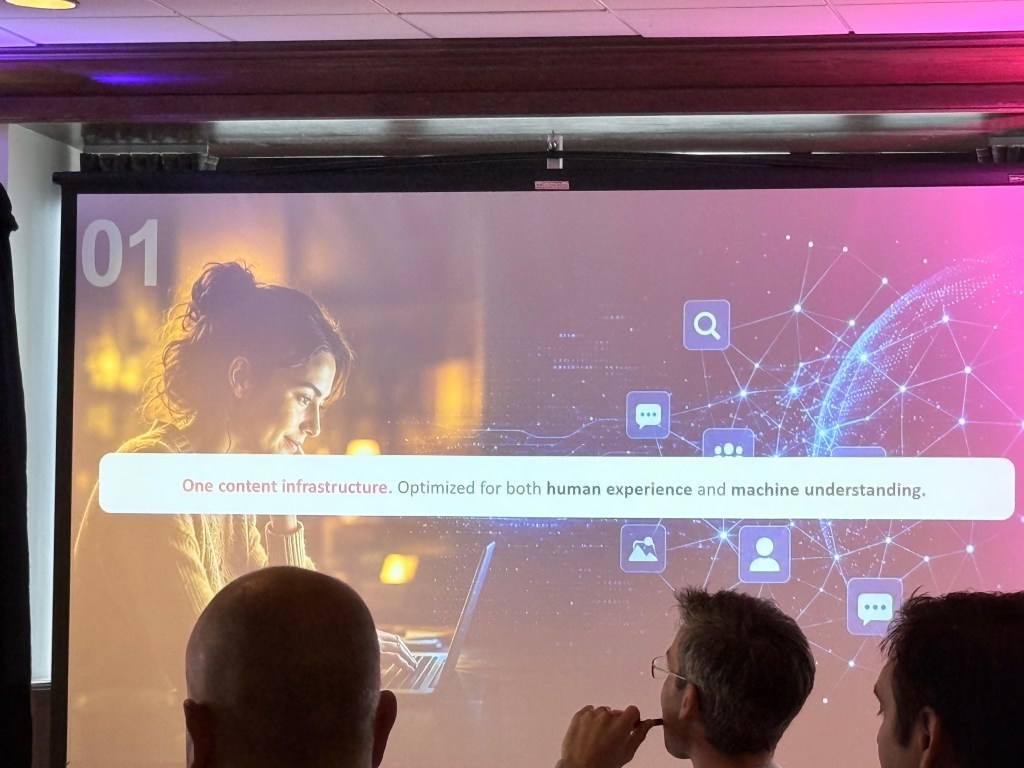
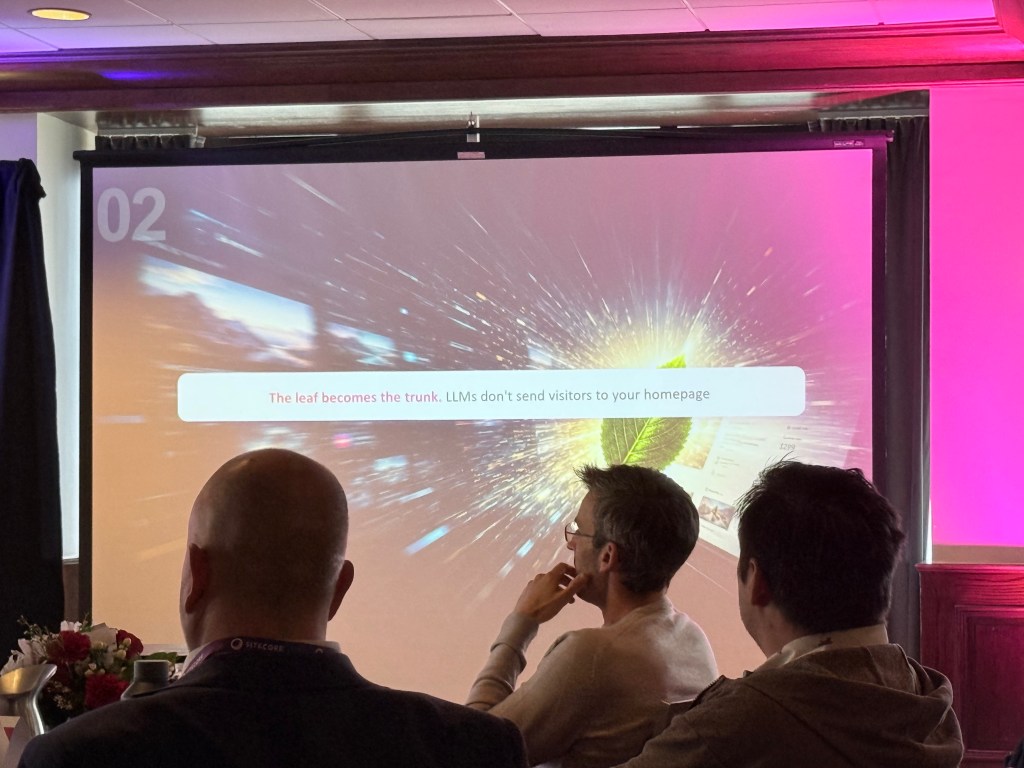
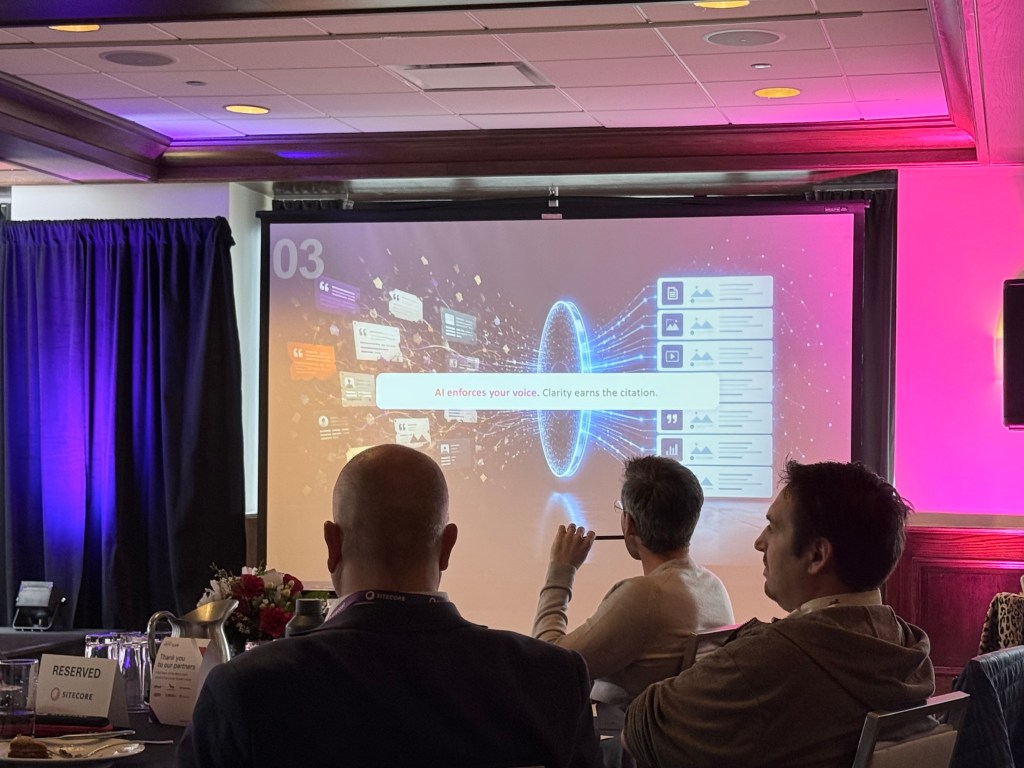
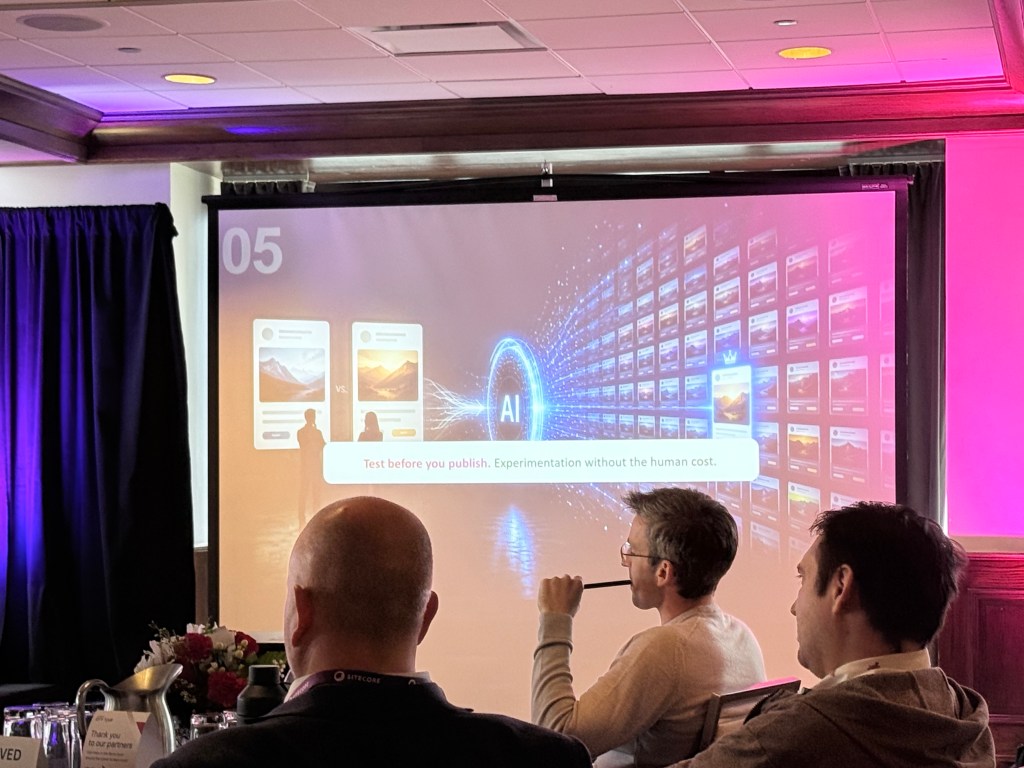
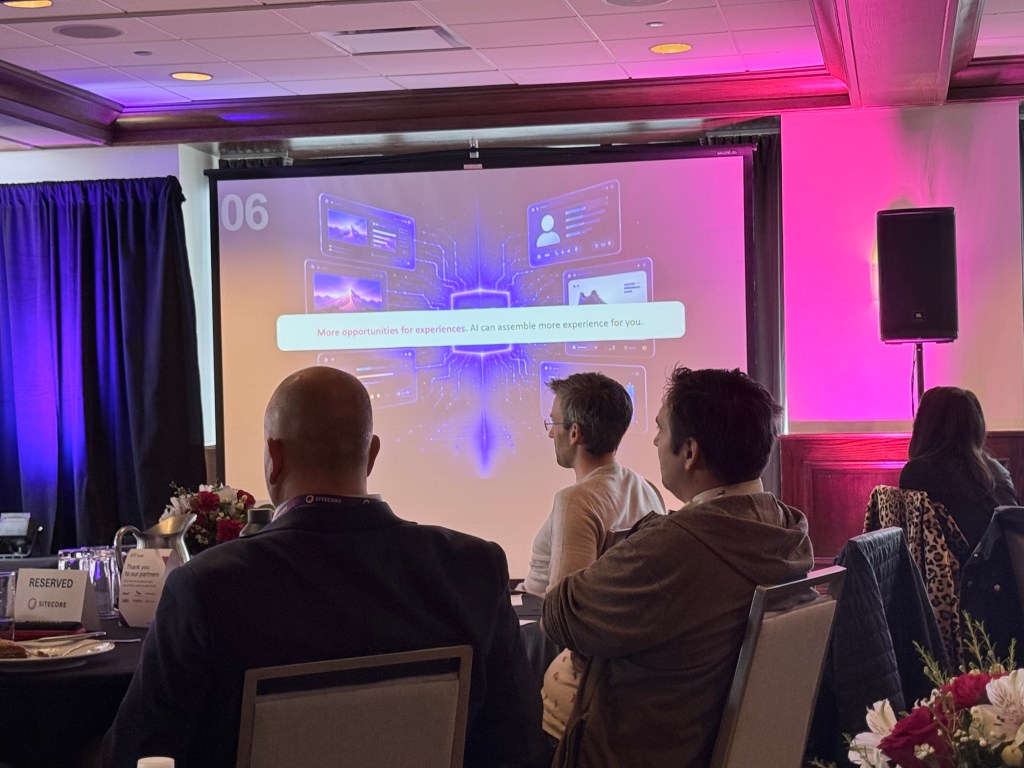
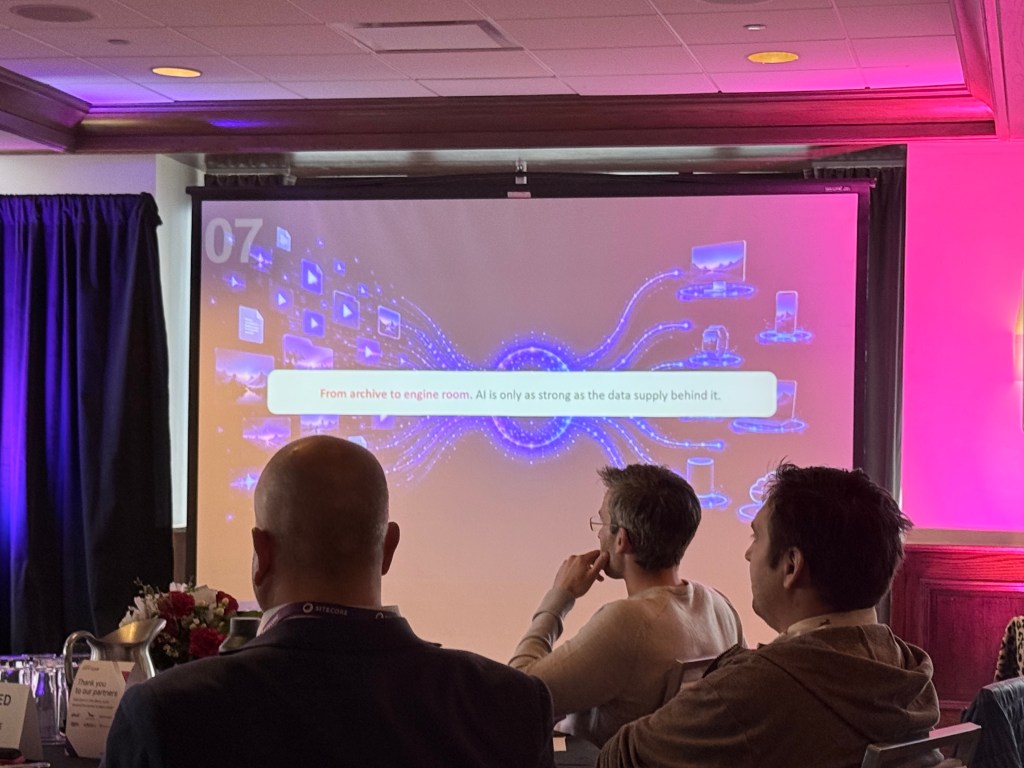
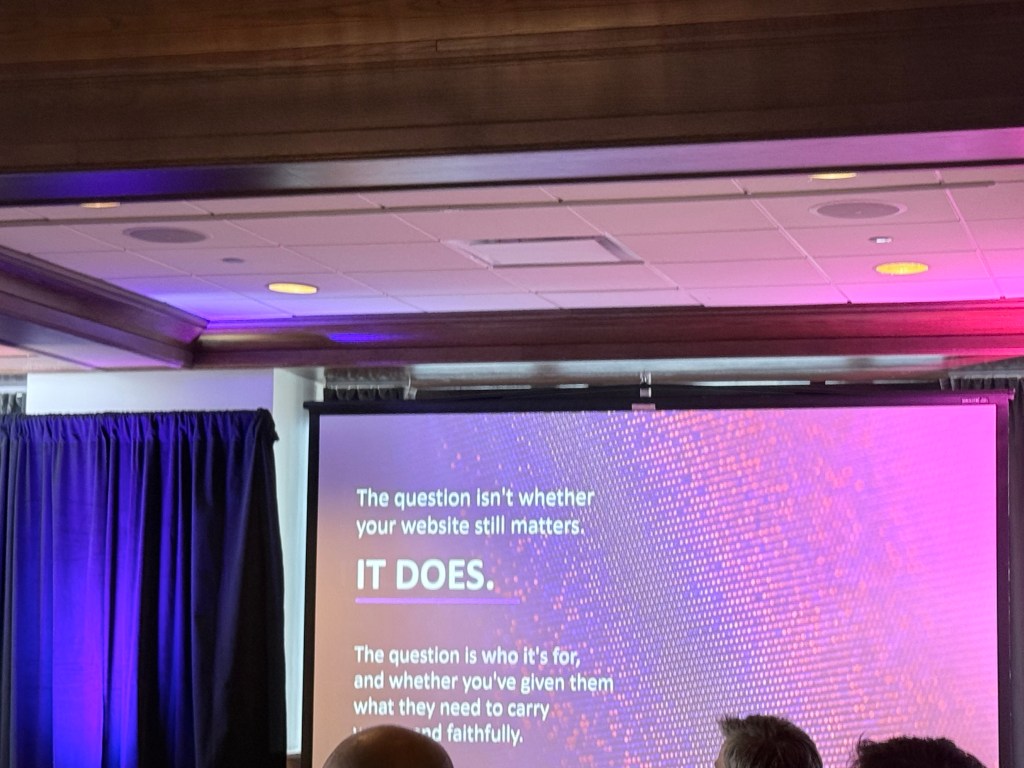
This session explored how AI is reshaping discovery, engagement, and the role of the traditional website. As users increasingly turn to AI-powered experiences for research and purchasing decisions, organizations must rethink how they create and structure content.
From my notes:
- Users start turning to AI for purchases.
- AI rewards brands that have a point of view.
- LLM may create too much “fluff” if they don’t know your business.
- Content audit needs AI visibility dimension.
- What can I put on a page to get them back to the page from AI?
- Create content more authentically.
- Testing content with agents and humans is critical.
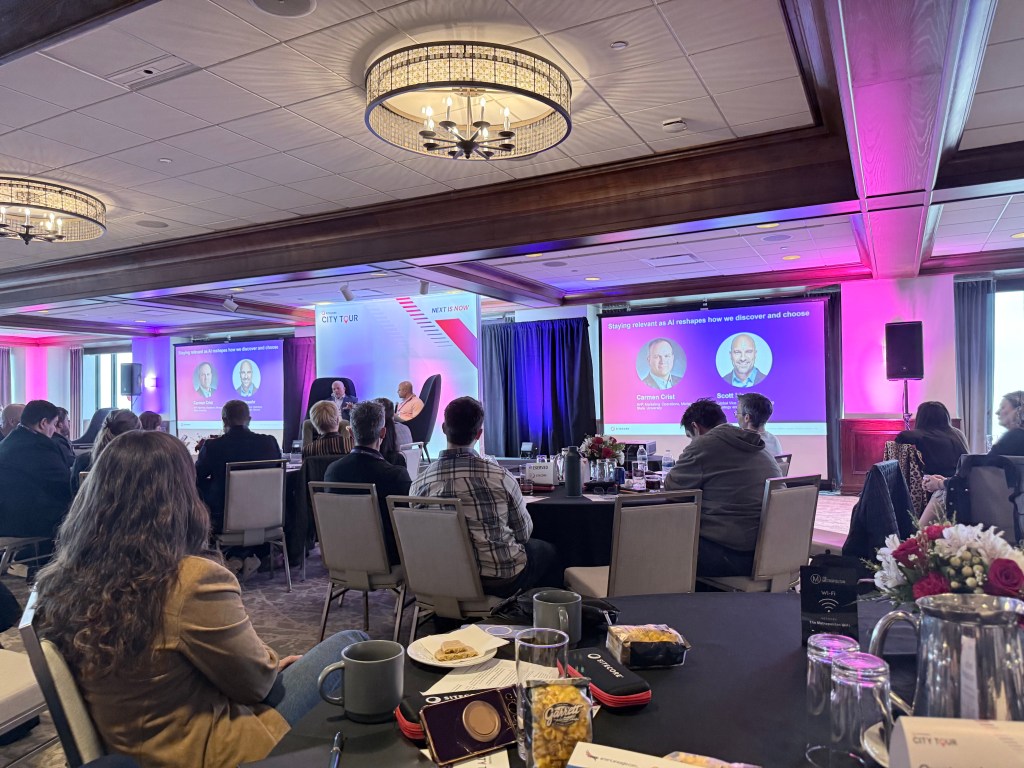
Staying Relevant as AI Reshapes How We Discover and Choose
Speakers
- Carmen Crist — AVP, Marketing Operations, Michigan State University
- Scott Liewehr — Global Vice President, Market Strategy and Growth, Sitecore
Summary
Michigan State University shared its digital transformation journey and the challenges that came with managing fragmented platforms, inconsistent governance, and growing AI-driven discovery expectations.
This is was really cool to hear how MSU transformed their different CMS sites to Sitecore. They had over 130 sites.
From my notes:
- Talked about digital journey.
- Gathered info from other university websites.
- Dozens of CMS platforms across university.
- Why transition to Sitecore AIComposable with different technologies? Worked better in their ecosystem.
- Mentioned the slogan“Next is now” — right thing to do is move forward and not wait.
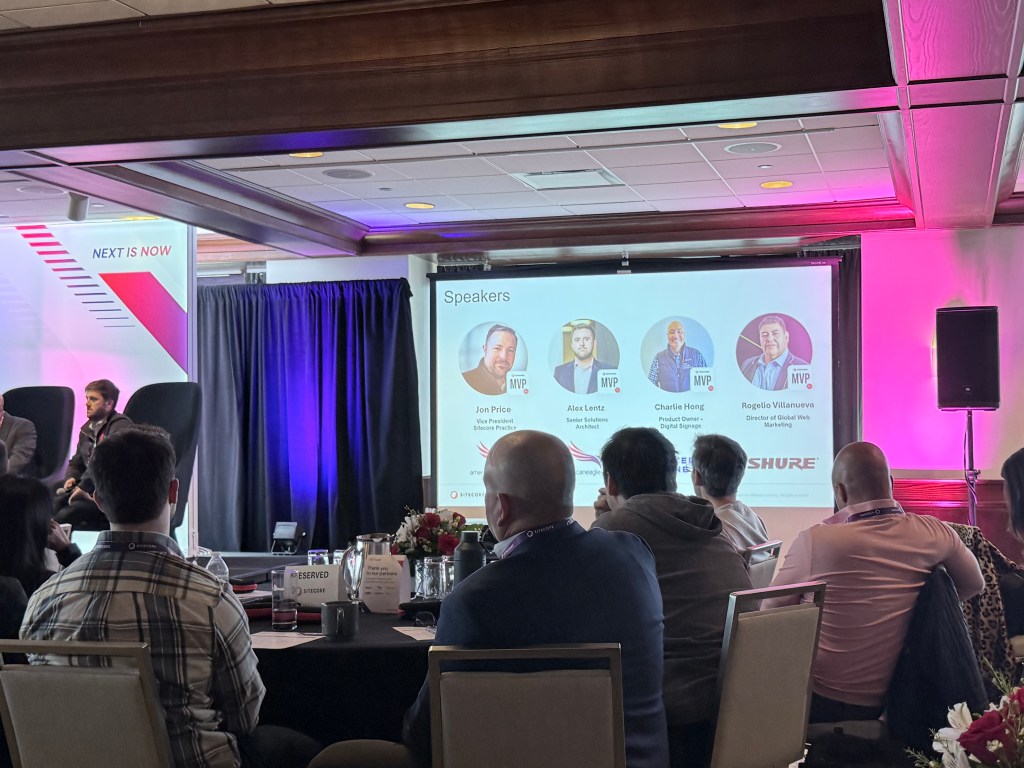
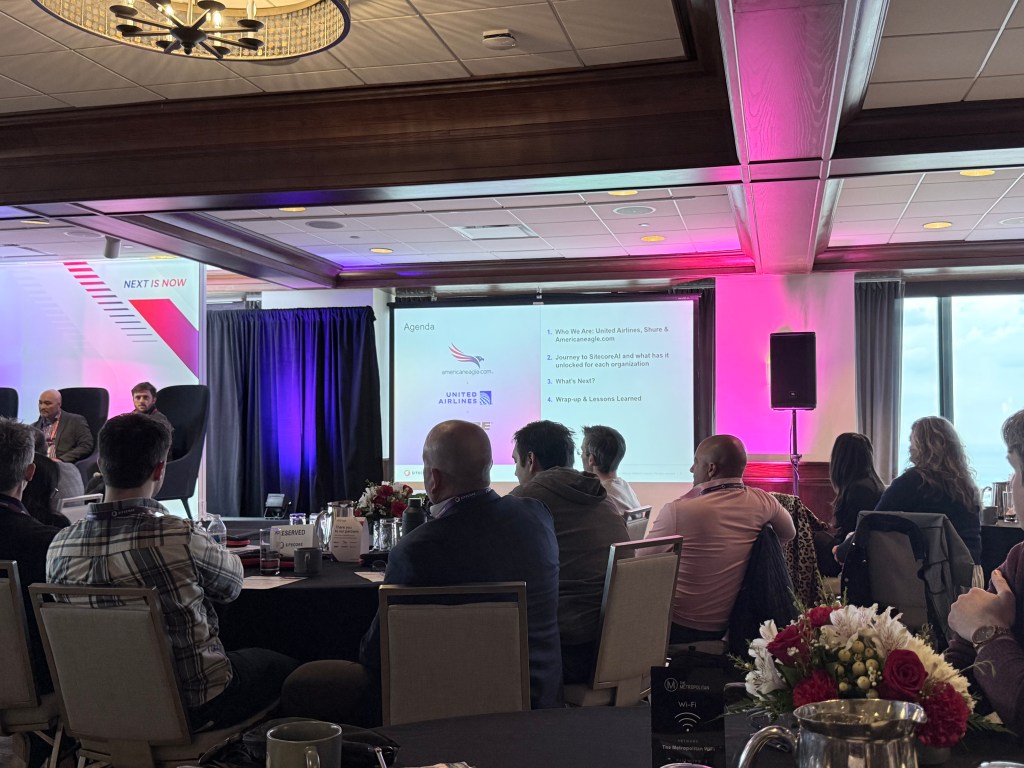
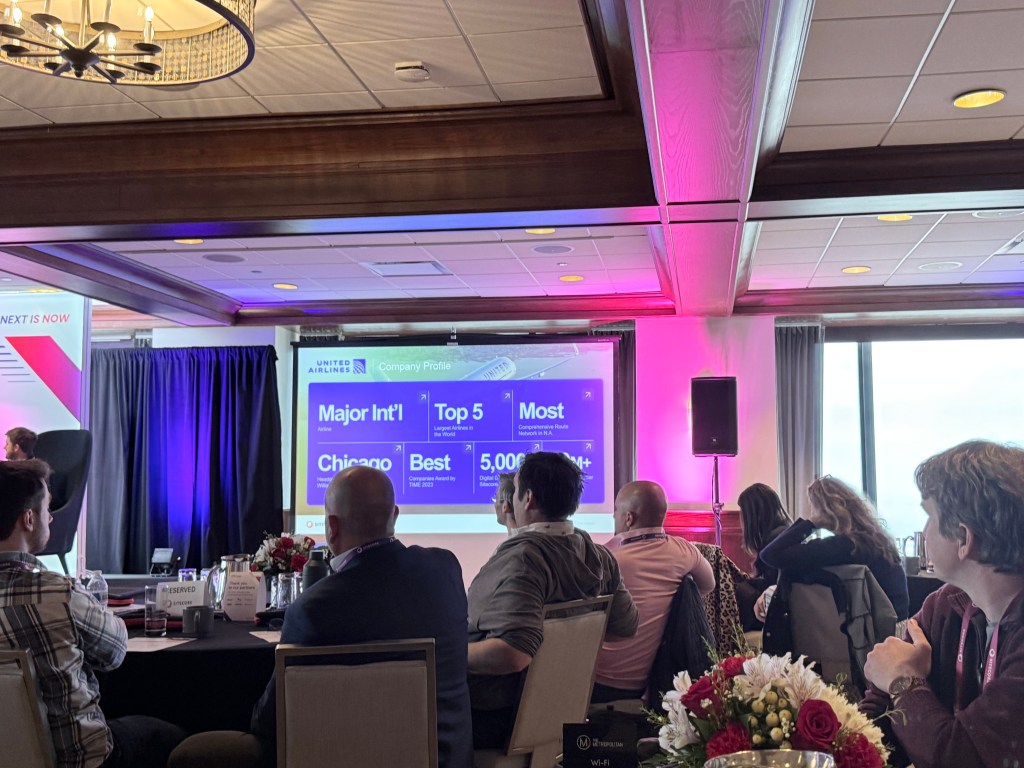
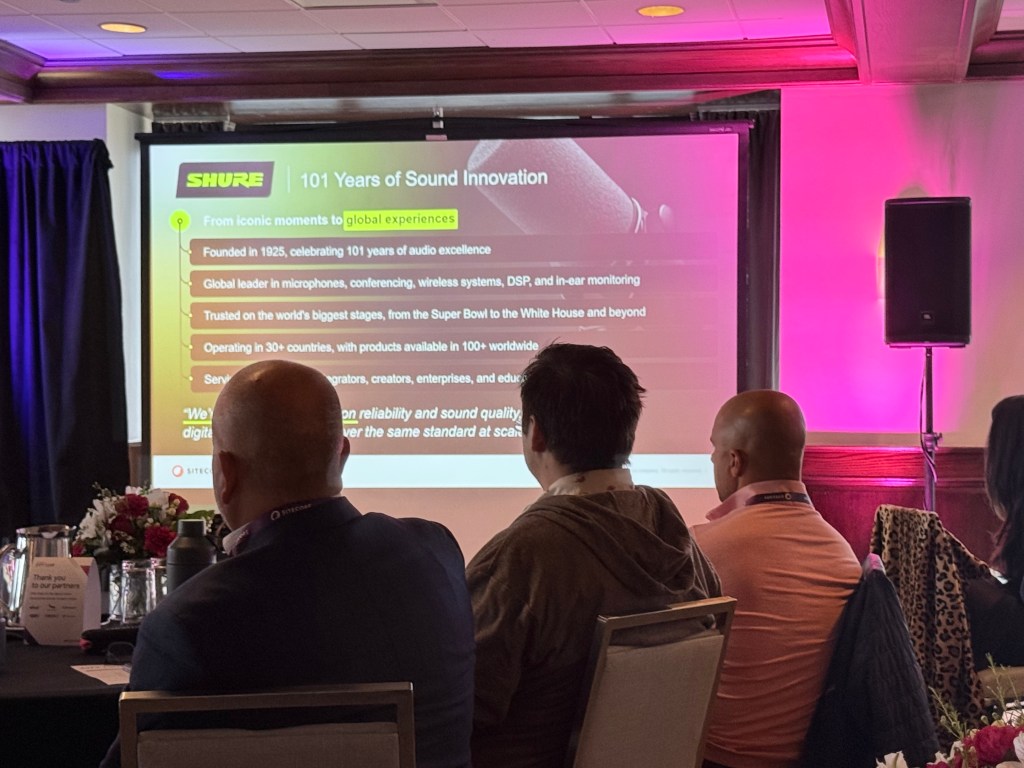
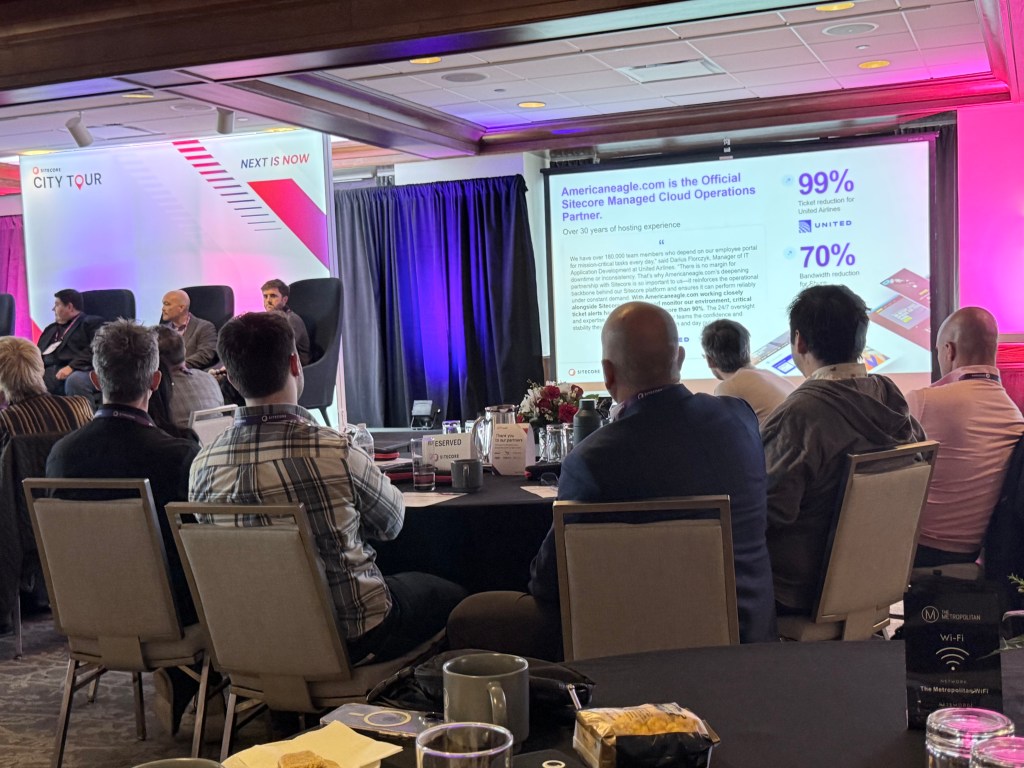
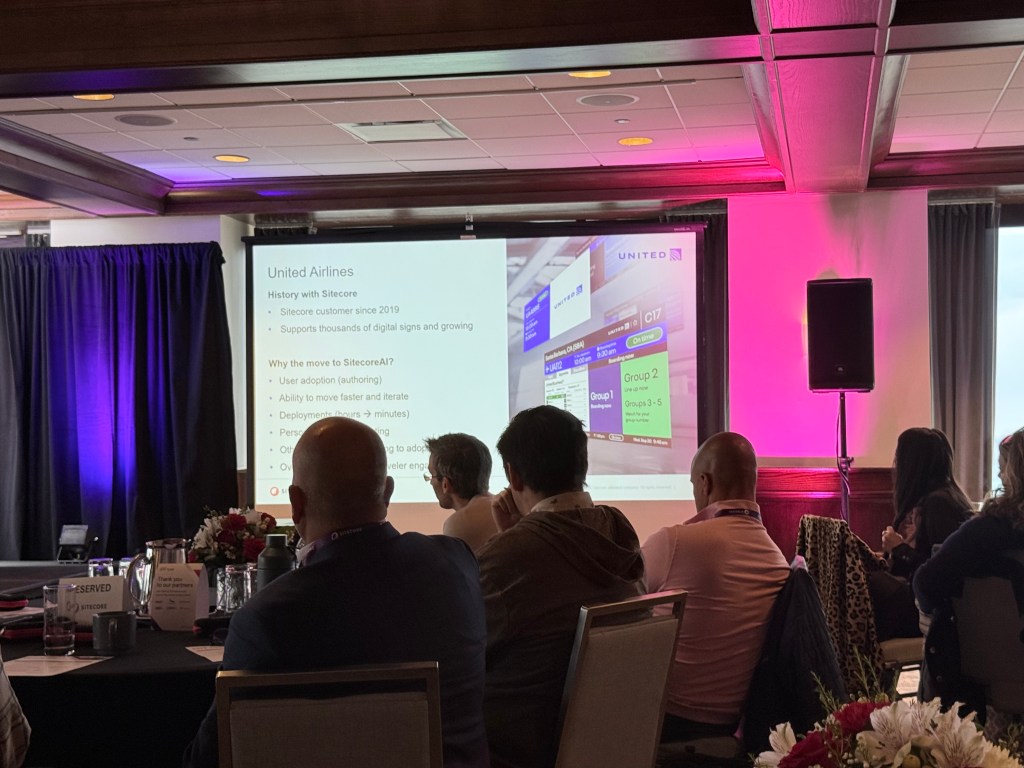
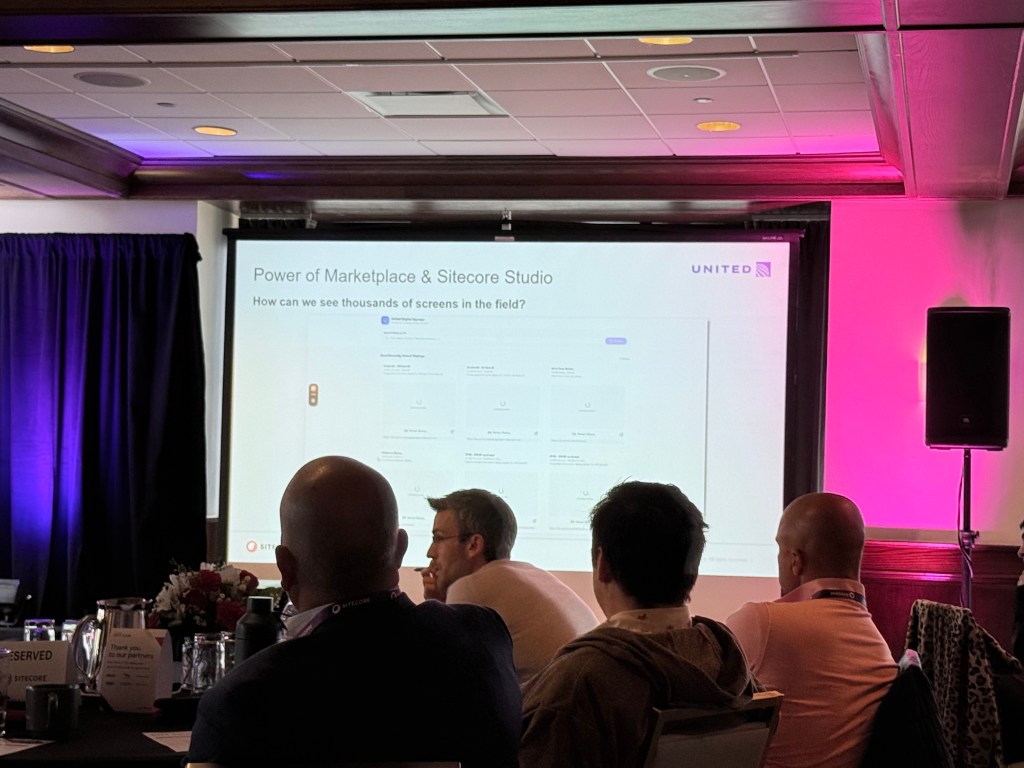
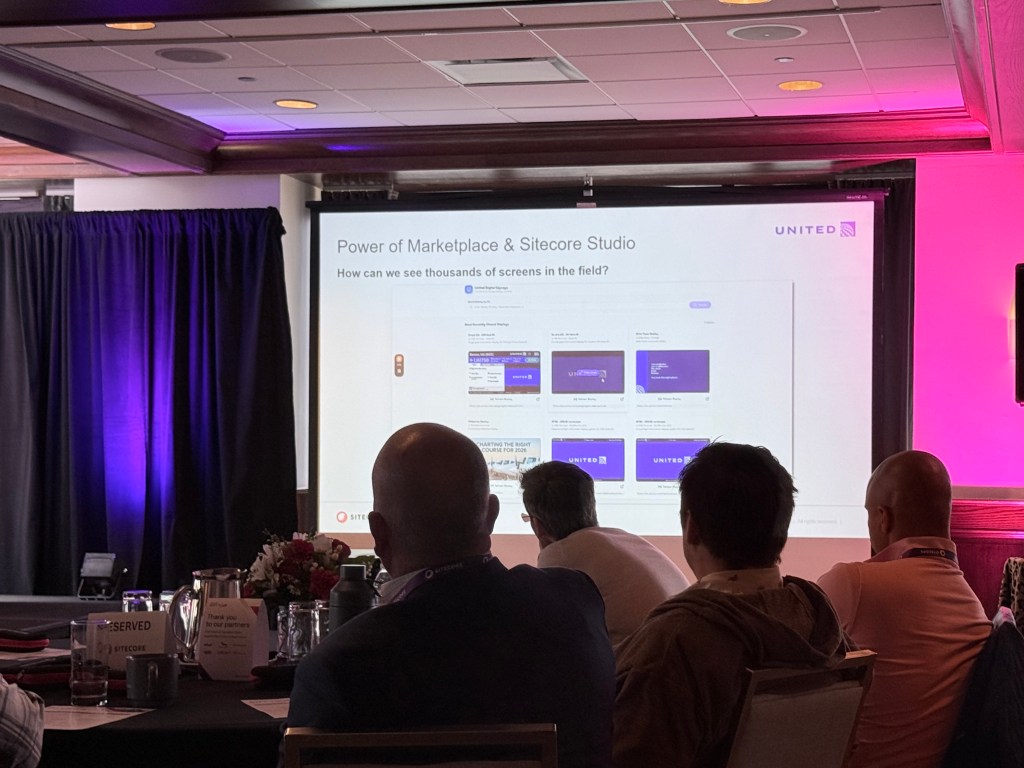
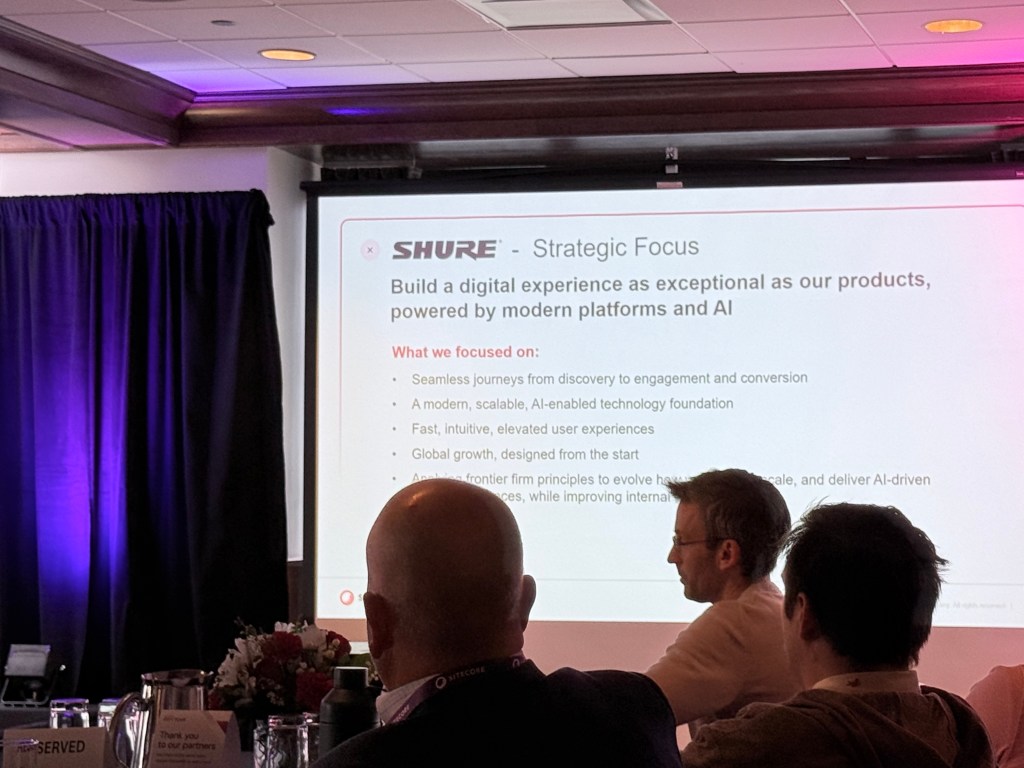
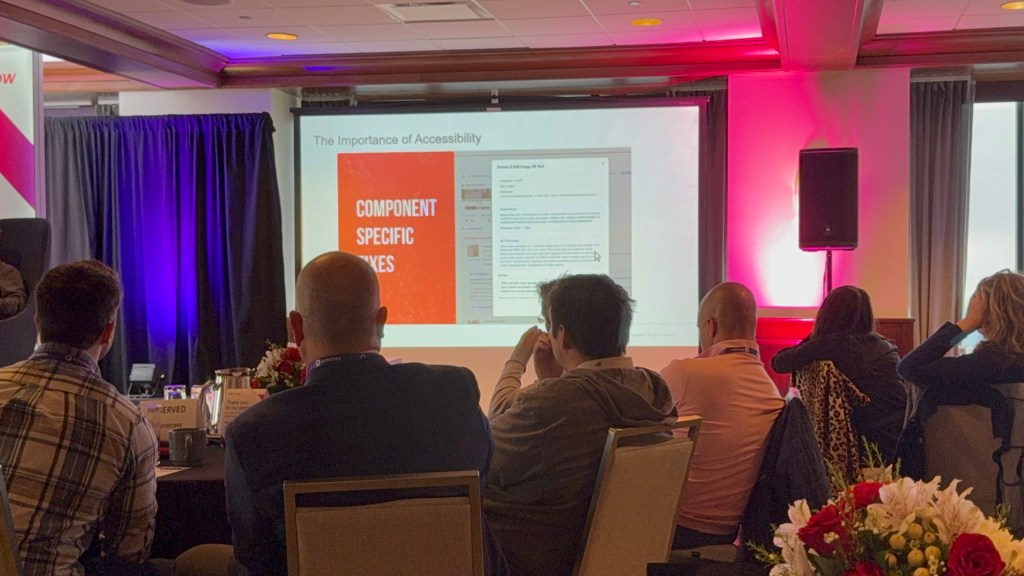
Operationalizing SitecoreAI: Real-World Journeys from United Airlines & Shure
Speakers
- Charles Hong — Product Owner, Digital Signage, United Airlines
- Rogelio Villanueva — Director of Global Web Marketing, Shure
- Jon Price — Vice President of Sitecore Practice, Americaneagle.com
- Alex Lentz — Sitecore Solution Architect, Americaneagle.com
Summary
This session focused on how organizations are operationalizing SitecoreAI at scale through workflow integration, governance, and change management. Real-world examples demonstrated how AI can improve efficiency and customer experience when integrated into existing business processes.
Joining an in-house (maybe a spoiler) I really looked forward to this one. Charles and Rog were one of the many Sitecore community members that inspired me to make the change. Hearing from Americaneagle.com is always great because they are huge part of the Chicago market.
From my notes:
- Journey to Sitecore AI
- Figma – Showed how this played a role.
- Marketplace – Custom apps and public apps were impressive.
- Accessibility – One of the most important things a website must have. Rog made a good point.
- The Migrator = game changer – This was really cool getting from one CMS to SitecoreAI. I will mention that a lot of partners had a similar tool.
The Migration Game Changer: The Agentic AI Breakthrough for Sustainable SitecoreAI Migrations
Speakers
- Van Vuong — Director, Digital Platforms, Baylor Scott & White Health
- Matt Vandermolen — Global Vice President of Digital Experience, Altudo
Summary
This presentation explored how agentic AI can accelerate Sitecore migrations while maintaining scalability, governance, and quality standards. The discussion included real-world healthcare insights and emphasized that organizations should focus less on whether AI-driven migration will happen and more on how to implement it successfully.
I was really excited about this one. I like to hear from other Healthcare companies (spoiler). Definitely be looking at the their journey and see what I can learn from them.
Some really good takeaways.
- Not when, but how.
- Look at other industries for inspiration, not healthcare sites.
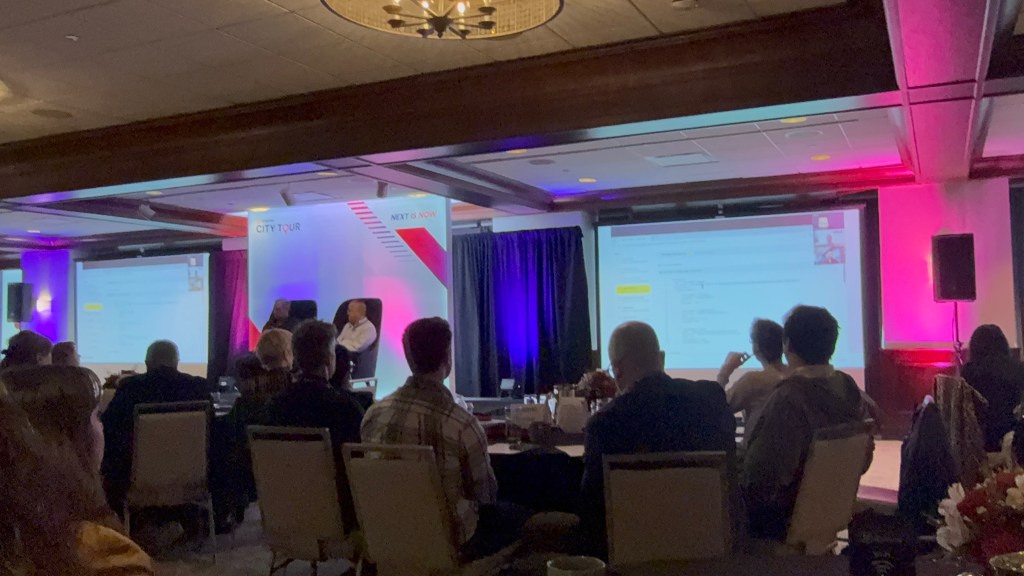
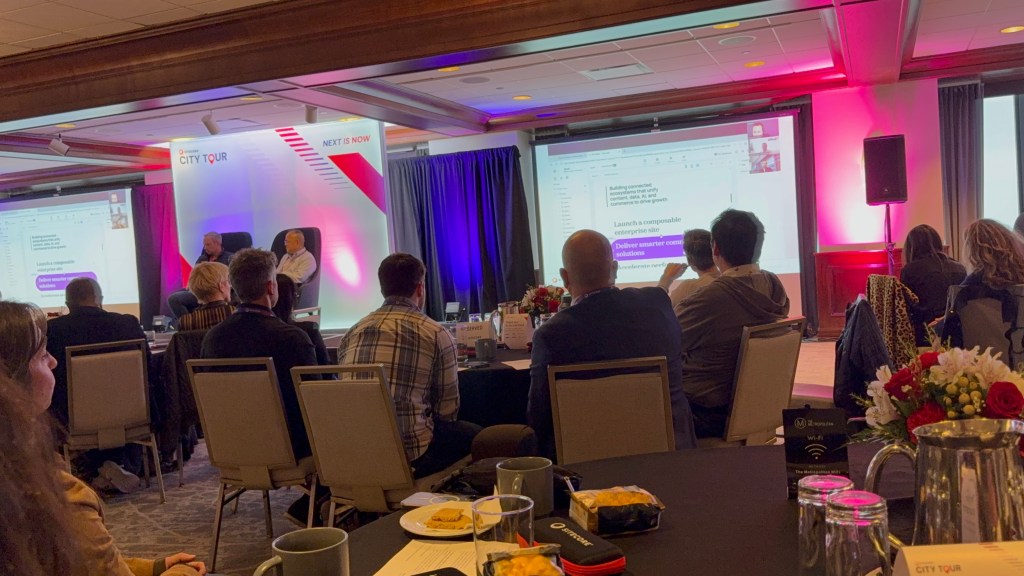
Closing Remarks
Speaker:
- Agata Nowakowska
Summary
The closing remarks reinforced Sitecore’s vision around AI-enabled digital transformation, composable architecture, and operational modernization. The event concluded with a strong focus on innovation, adaptability, and the importance of continuing collaboration within the Sitecore community.
Excited to get started.
Sitecore Community
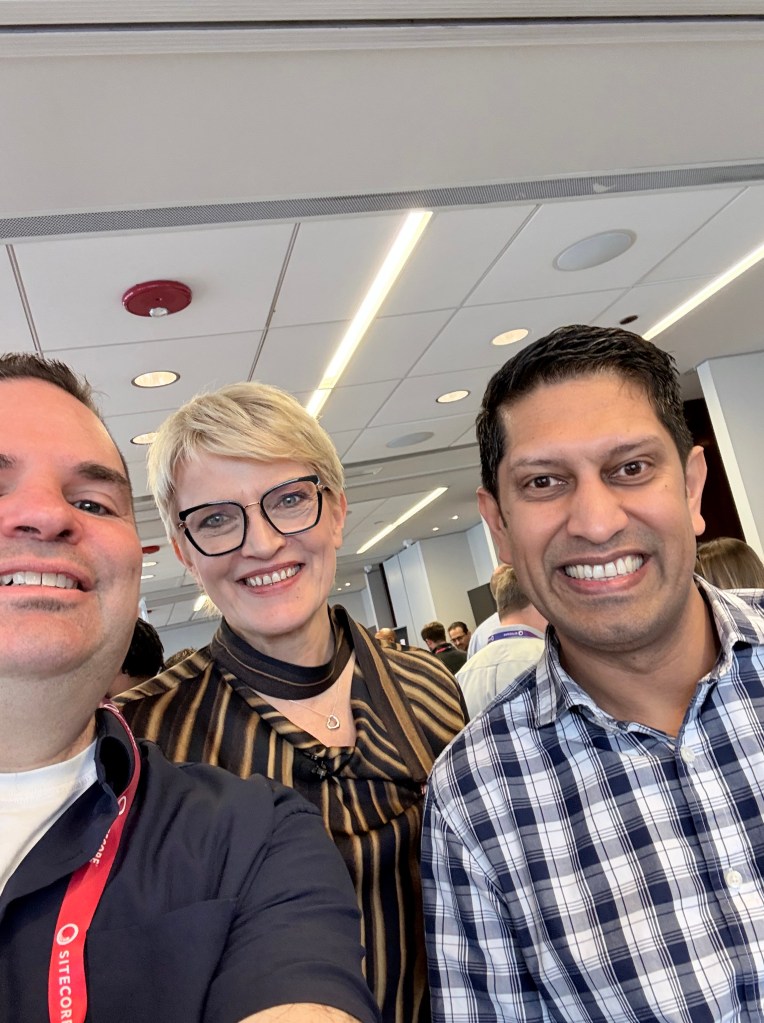
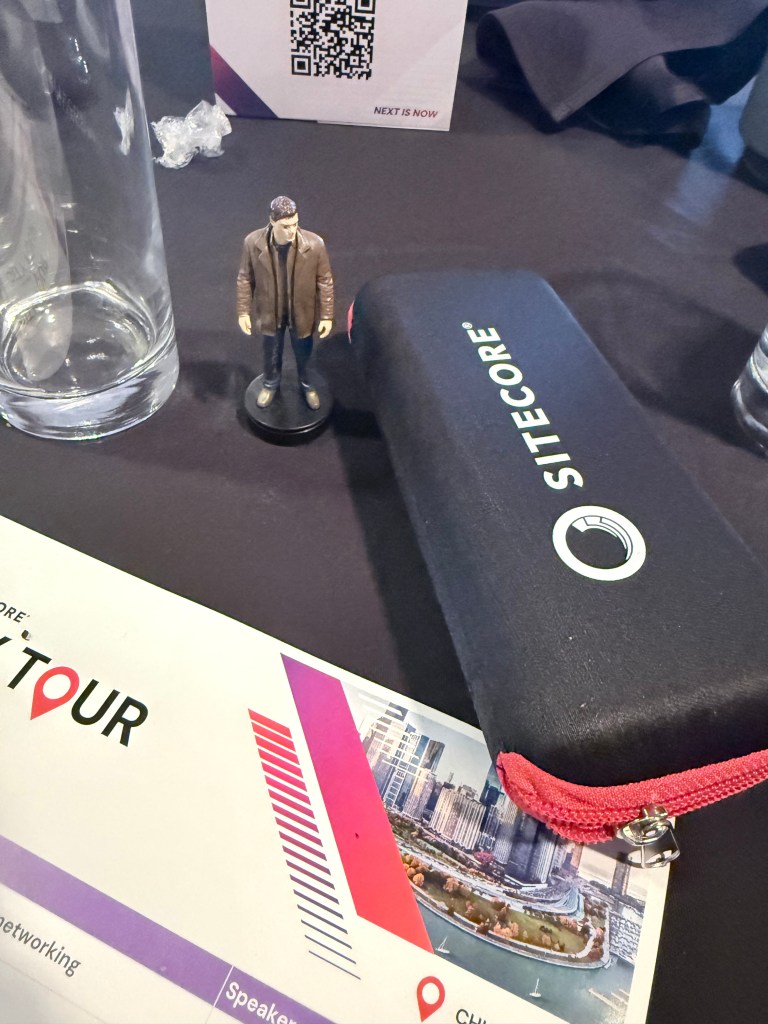
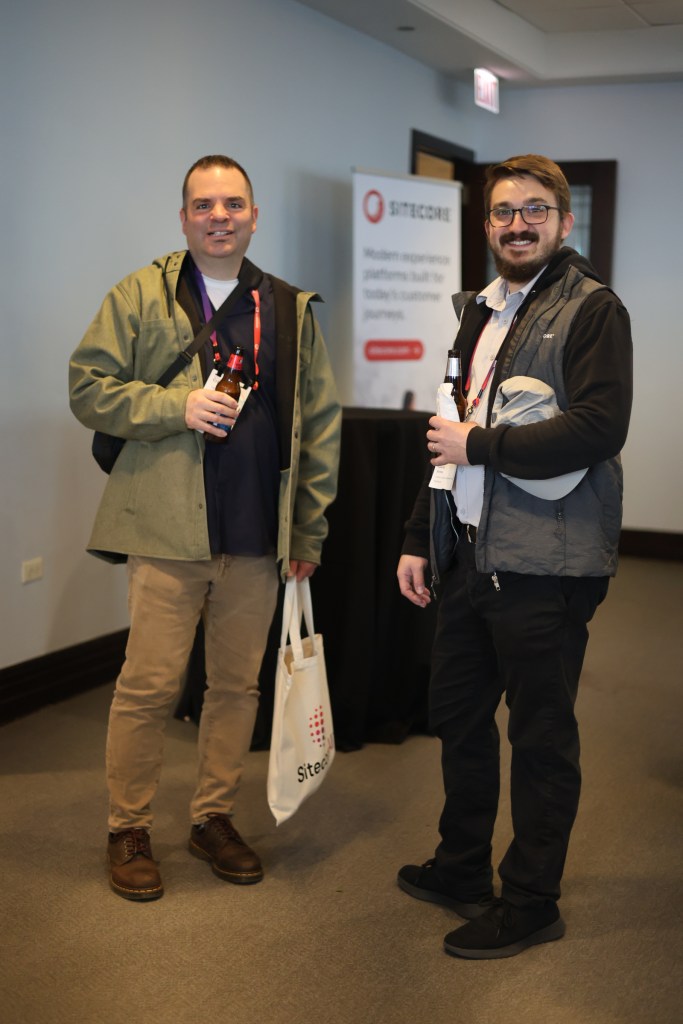
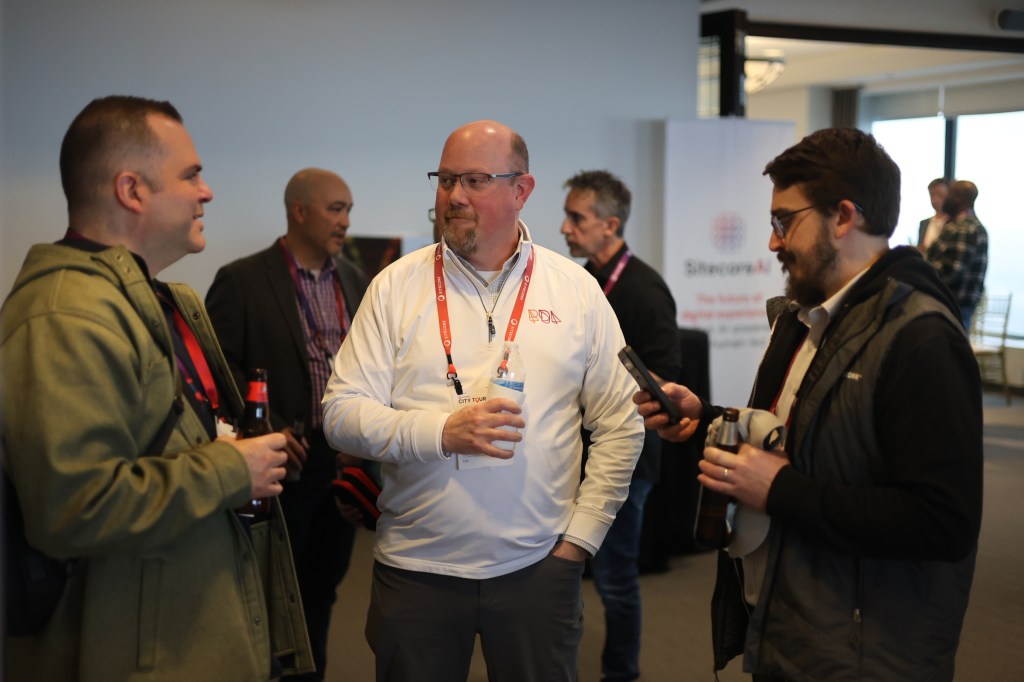
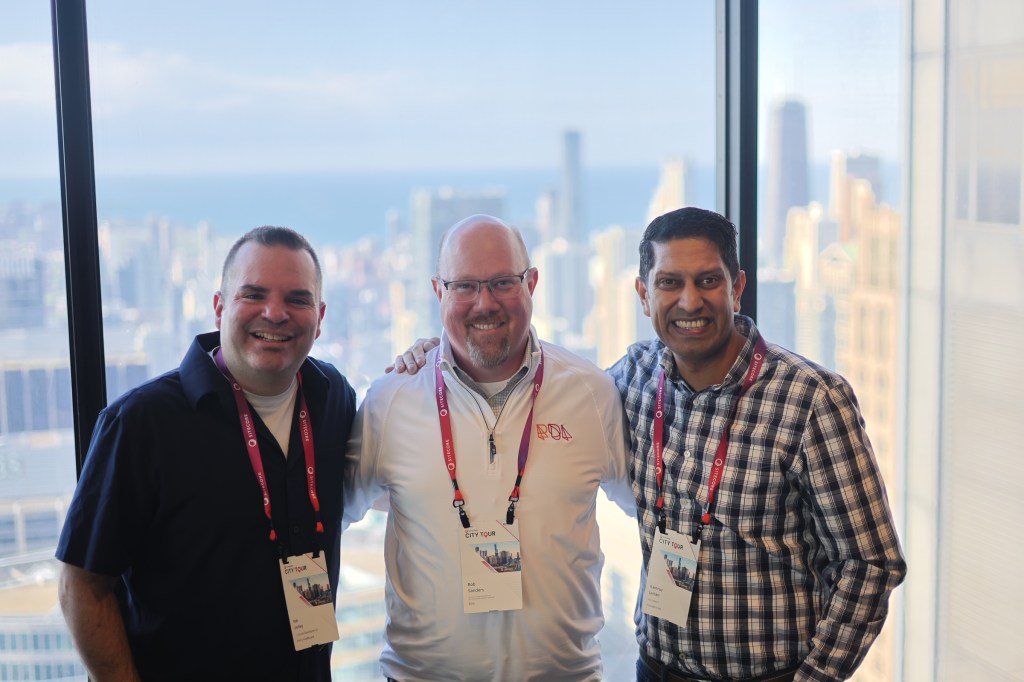
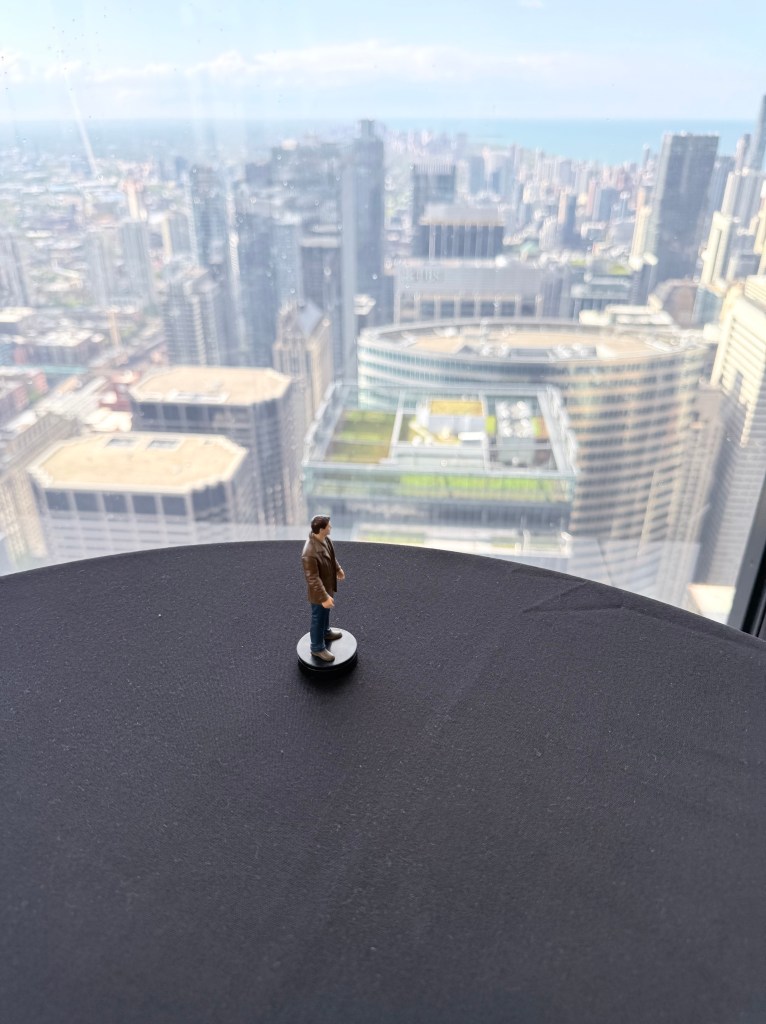
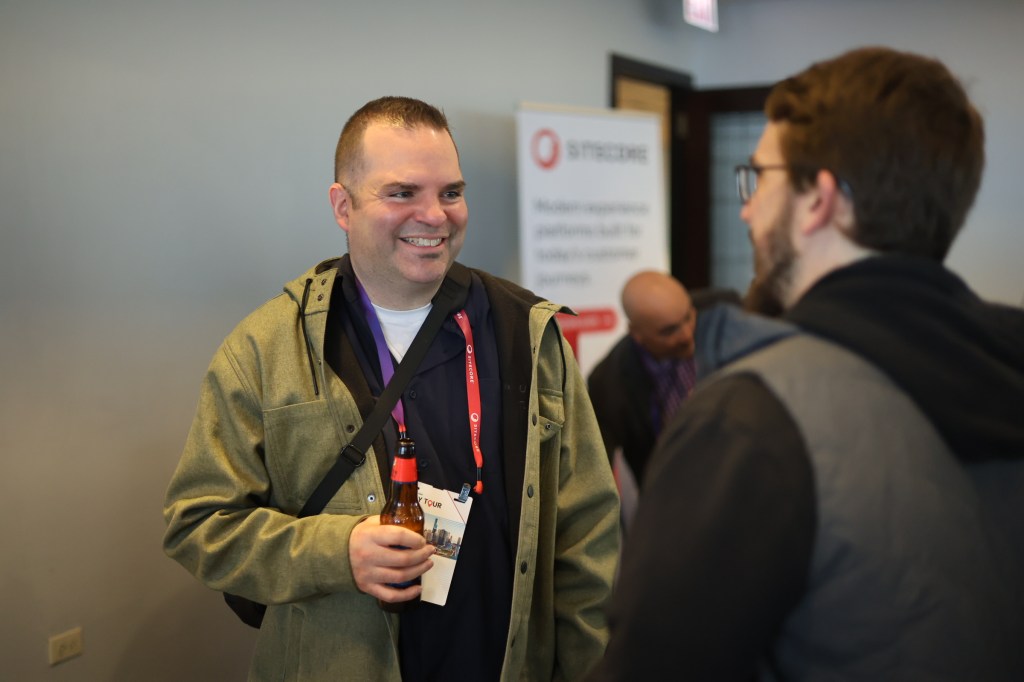
This is one of my favorite parts of these events. Thanks to Sasha and also my iPhone for various pictures. Dean Winchester snuck in a few of the photos. Fair warning I don’t take the best selfie photos (if you have seen the one with Elijah Wood) you know. Love the views of Chicago from the Willis Tower. Sears if you are old school.


Final Thoughts
The Sitecore City Tour came to me at a great time personally and professionally. I always love connecting with others in my industry and learning new things.
So if you made it this far I wanted to share my badge for this event. Excited about my new adventure starting in June. More to come on LinkedIn.